

Meta tags provide important information about a webpage to search engines, browsers, and social platforms. A missing title, poorly written description, or incorrect robots directive can affect how a page is understood, indexed, or presented in search results.
A meta tag analyzer helps you inspect these elements quickly. Instead of manually searching through a webpage’s source code, you can analyze its metadata and identify important SEO elements in one place.
Whether you’re auditing your own website, reviewing a client’s page, or investigating a competitor, understanding metadata can reveal useful optimization opportunities.
In this guide, you’ll learn how meta tag analysis works, which tags you should check, how to evaluate titles and descriptions, and how tools such as a tags viewer and meta description checker can simplify the process.
What Is a Meta Tag Analyzer?
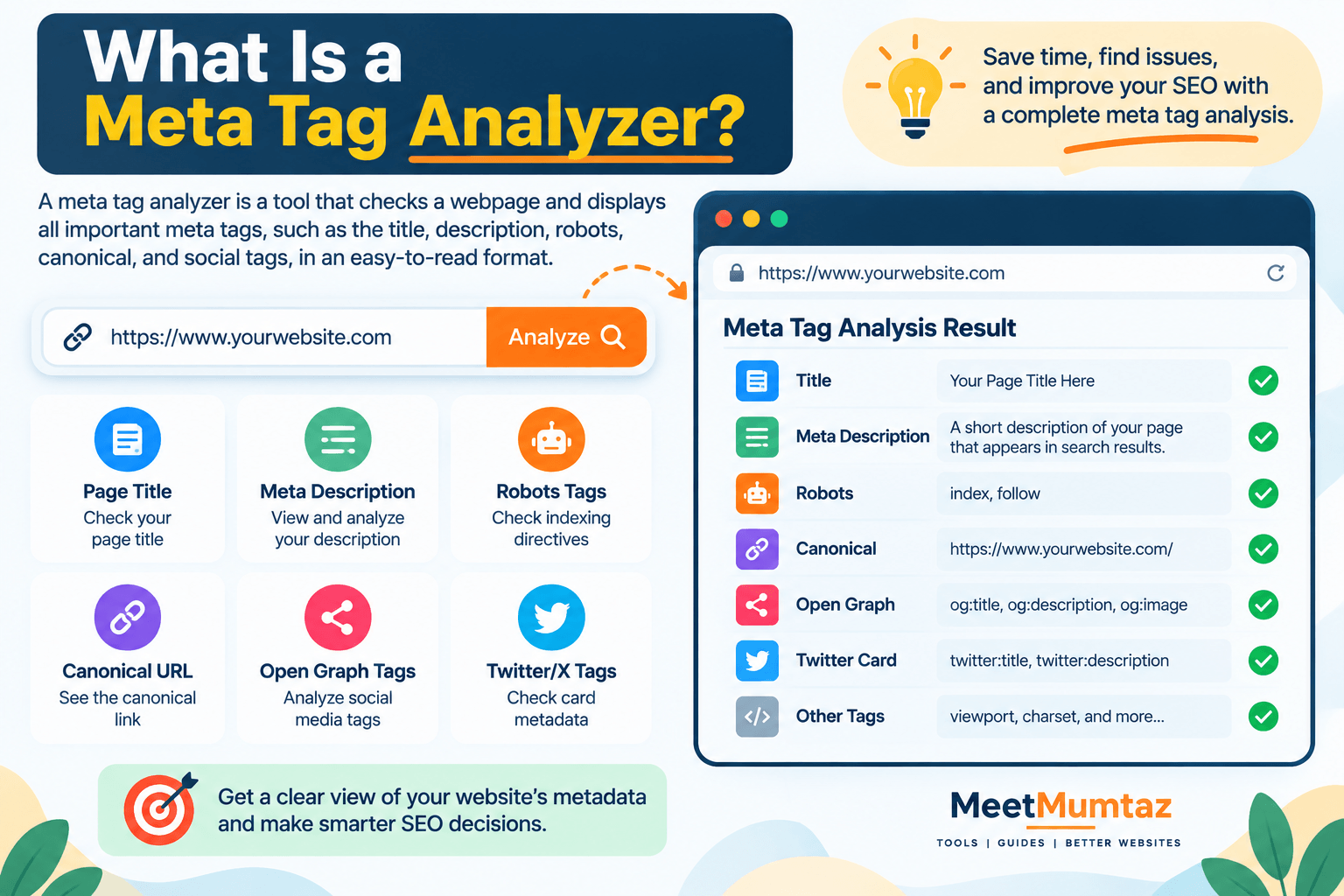
A meta tag analyzer is a tool designed to inspect the metadata associated with a webpage.
You typically provide a webpage URL, and the tool retrieves available metadata and organizes it into an easy-to-read report.
Depending on the tool, this may include:
- Page title
- Meta description
- Robots directives
- Canonical URL
- Open Graph tags
- Twitter/X card metadata
- Viewport settings
- Character encoding
- Other HTML meta elements
This saves time because you don’t have to manually inspect every line of HTML to find the information you need.
For SEO professionals and website owners, it can also provide a quick first look at whether a page’s metadata has been configured correctly.
What Is Meta Tag Analysis?
Meta tag analysis is the process of examining a webpage’s metadata to determine whether important tags exist, contain appropriate information, and support the purpose of the page.
It isn’t simply about finding tags.
A useful analysis asks questions such as:
Is the title relevant to the page?
Does the meta description accurately summarize the content?
Are robots directives preventing indexing?
Does the canonical URL point to the intended page?
Are social sharing tags configured?
Are important metadata elements missing?
Answering these questions can help identify technical and on-page SEO problems that may otherwise go unnoticed.
Why Are Meta Tags Important for SEO?
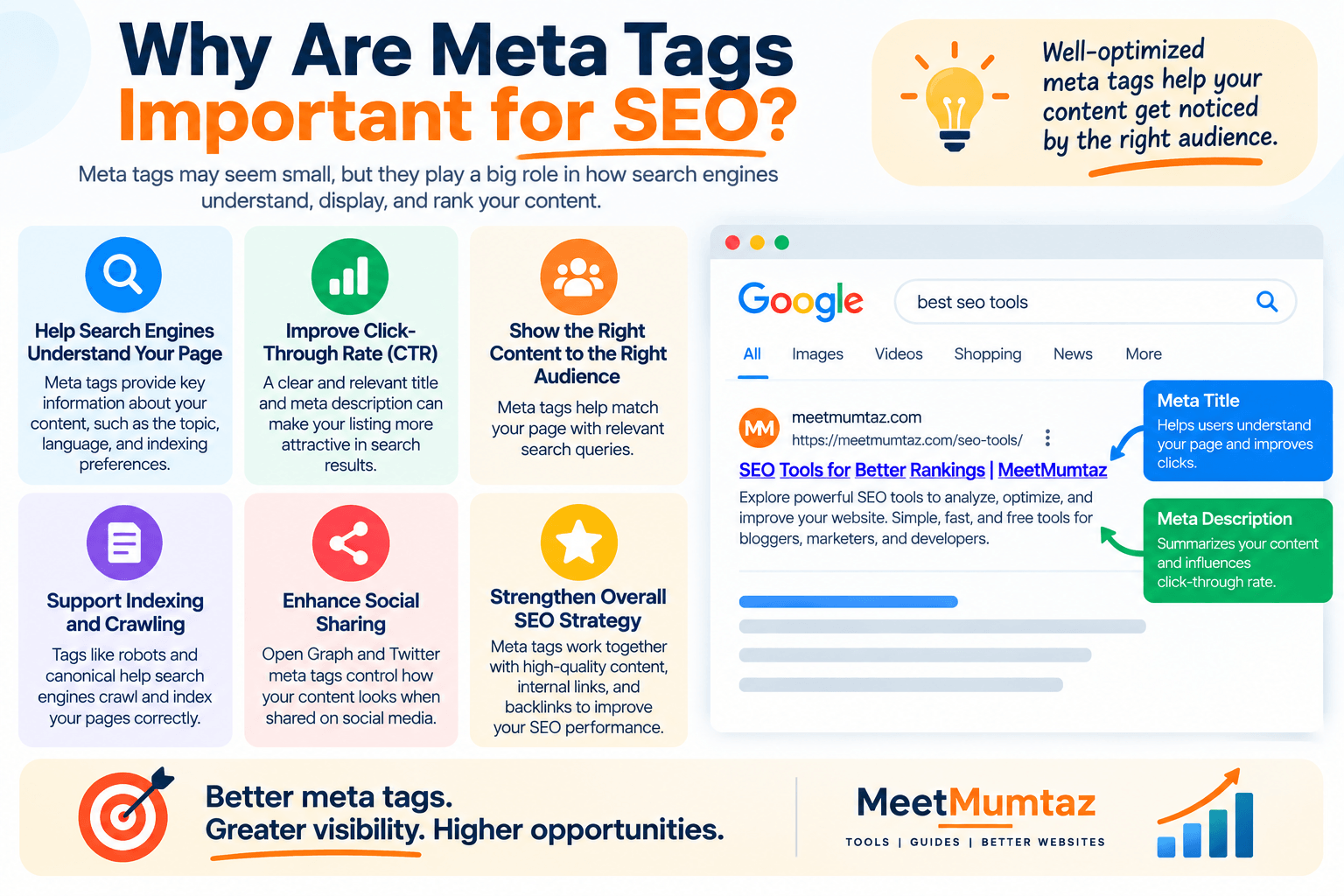
Meta tags serve different purposes, and not every tag directly influences search rankings.
However, several metadata elements can affect how search engines process or present webpages.
The page title, for example, is an important element for communicating a page’s subject.
A meta description can provide search engines with a suggested summary of the page, although search engines may generate a different snippet depending on the search query.
Robots directives can influence whether compatible search engines index a page or follow links.
Canonical information can help indicate a preferred URL among duplicate or similar pages.
For this reason, checking metadata should be part of a broader technical and on-page SEO review.
How Does a Meta Tag Analyzer Work?
A typical analyzer starts by accessing the webpage you want to inspect.
It then examines the HTML document and identifies metadata located primarily within the <head> section.
The tool extracts relevant elements and displays them in a structured format.
For example, instead of opening source code and searching manually for a description tag, the analyzer may simply display:
Meta Description: Found
followed by the actual description.
The same process can be applied to titles, robots directives, canonical URLs, Open Graph information, and other supported elements.
This makes a meta tag analyzer particularly useful when auditing multiple pages.
How to Use a Meta Tag Analyzer
Using a meta tag analyzer is usually simple.
First, copy the complete URL of the webpage you want to inspect.
Paste that URL into the analyzer and start the check.
Once the analysis is complete, review each reported element individually rather than looking only for a general score.
Start with the title and description.
Then check indexing-related information such as robots directives and canonical URLs.
If the page is designed to be shared socially, inspect its Open Graph and social metadata as well.
Finally, compare what the tags say with the actual content of the page.
Metadata should accurately represent what visitors will find after they click.
What Is a Tags Viewer?
A tags viewer provides a convenient way to inspect tags found on a webpage without manually navigating through the entire HTML source.
Depending on its functionality, a tags viewer may display SEO metadata, social tags, headings, canonical references, and other HTML elements.
For beginners, this makes technical information much easier to understand.
For experienced SEOs and developers, it can speed up routine audits.
However, viewing tags is only the first step.
You still need to interpret whether each element is appropriate for the page and whether any changes are required.
Meta Tag Analyzer vs. Viewing Page Source
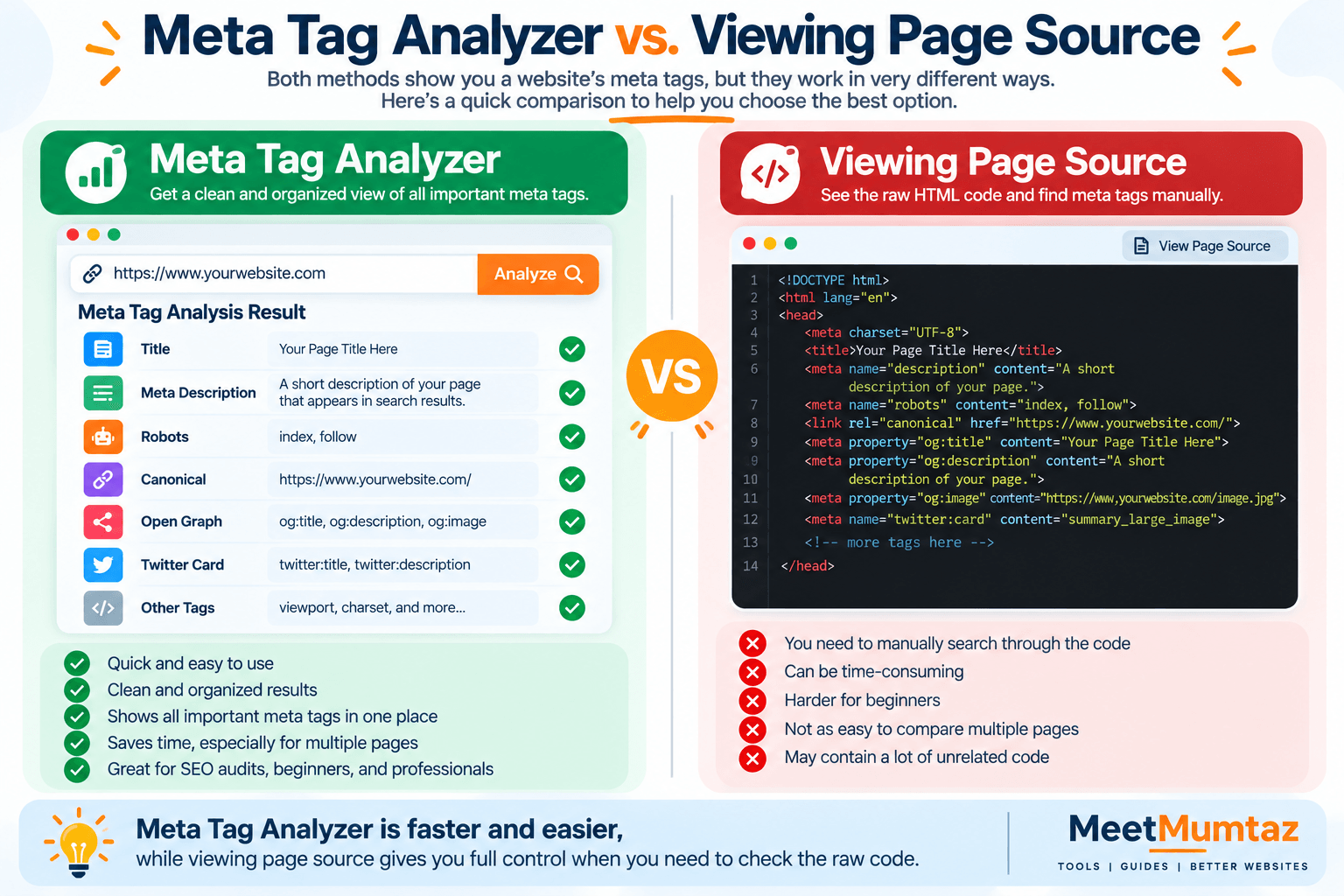
You can inspect metadata manually by opening a webpage’s source code.
For a single page, this can work perfectly well.
However, source code may contain hundreds or thousands of lines, making it slower to locate individual elements.
A meta tag analyzer organizes relevant information for you.
For example, instead of searching through HTML for:
<title><meta name="description"><meta name="robots"><link rel="canonical">- Open Graph properties
you can review the extracted information in a single report.
Developers may still need to inspect source code when diagnosing complex implementation problems, but an analyzer provides a much faster starting point.
What Is a Meta Description Checker?
A meta description checker examines the description associated with a webpage.
At a basic level, it tells you whether a meta description exists and shows its content.
More advanced analysis may also help identify descriptions that appear unusually short, long, duplicated, or poorly optimized.
A good description should summarize the page accurately and help potential visitors understand what they’ll find.
It should not simply repeat keywords.
For example, a description such as:
“Meta tag analyzer, meta tag analyzer tool, best meta tag analyzer, free meta tag analyzer.”
provides very little useful information.
A more natural alternative would be:
“Analyze a webpage’s title, description, robots directives, canonical URL, and other important metadata with an easy-to-use SEO tool.”
The second version communicates a clear benefit while still describing the topic.
How to Check a Meta Description
When performing a meta tag analysis, first determine whether the description exists.
Then read it as though you were a potential visitor seeing the page in search results.
Ask:
Does it explain the page?
Does it match search intent?
Is it unique to this page?
Does it encourage the right audience to click?
Is it written naturally?
Don’t optimize descriptions around keyword repetition alone.
Search engines may also choose to display different text from the page when they believe another passage better answers a particular query.
Therefore, focus on writing an accurate and useful summary rather than trying to control every search snippet.
How to Analyze a Page Title
The page title deserves special attention during metadata analysis.
Check whether the title accurately describes the page’s primary subject.
Your important topic should generally appear naturally in the title, but avoid repeating variations unnecessarily.
For example:
Good:
Meta Tag Analyzer – Check Website Metadata for SEO
Poor:
Meta Tags | Meta Analyzer | SEO Meta Tags | Meta Checker | Best Meta Tool
The first communicates a clear purpose.
The second is primarily a collection of keyword variations.
A good title should help both users and search engines understand the page.
Check Robots Meta Tags Carefully
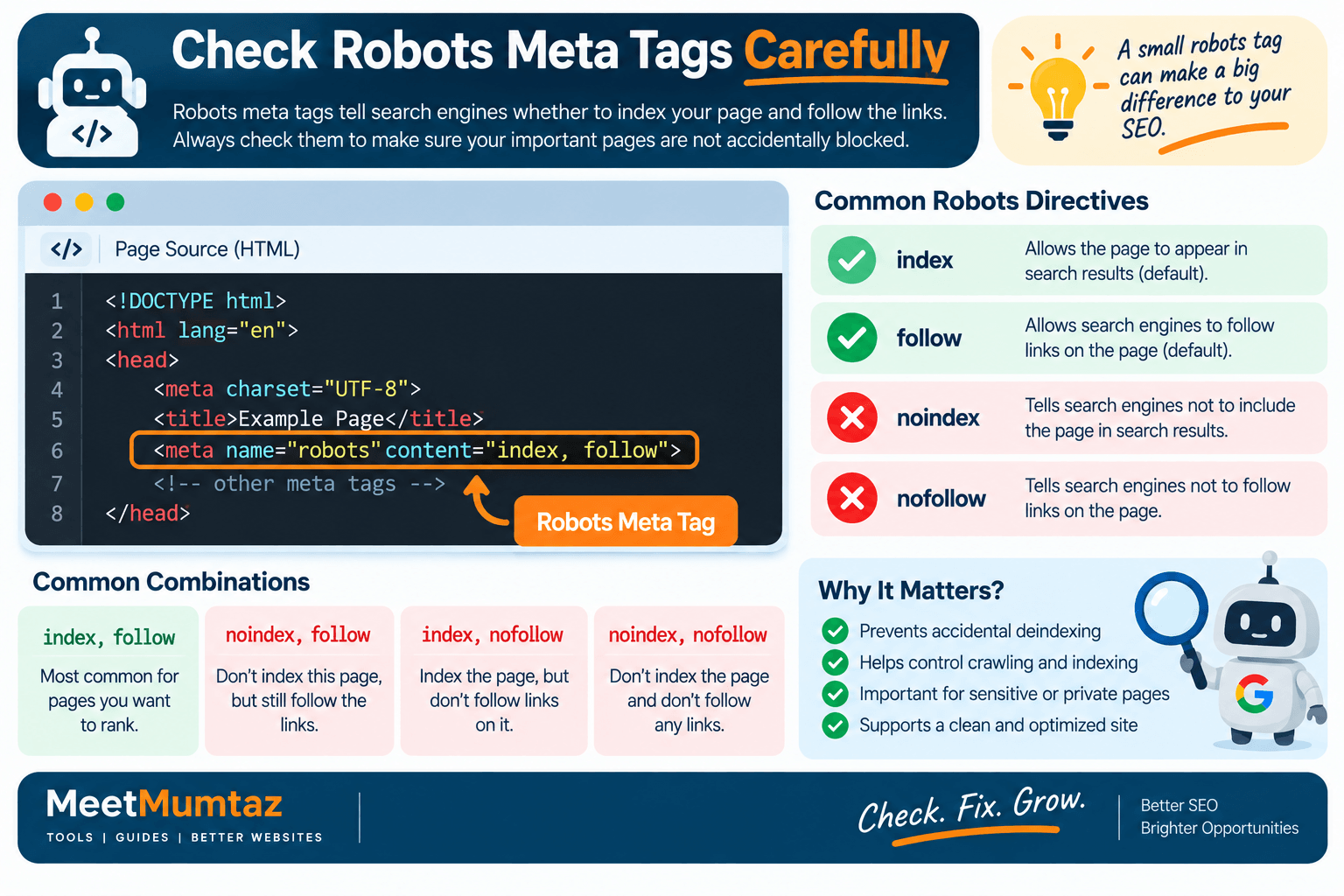
Robots directives are particularly important because they can affect indexing behavior.
A page intended to appear in search results should not accidentally contain a noindex directive.
During an SEO audit, check whether the robots meta tag contains directives such as:
index – permits indexing where otherwise allowed.
noindex – requests that the page not appear in search results.
follow – permits crawling of links.
nofollow – requests that links on the page not be followed.
Don’t change these settings without understanding why they were implemented.
Some pages—such as certain account, internal search, staging, or utility pages—may intentionally be excluded from search results.
Check the Canonical URL
Canonical URLs help communicate the preferred version of a page when similar or duplicate URLs exist.
During your analysis, check whether a canonical element is present and where it points.
A common configuration for a unique webpage is a self-referencing canonical.
However, canonical implementation depends on the site’s structure.
Potential problems include:
- Canonical pointing to the wrong page
- Canonical pointing to a redirected URL
- Multiple conflicting canonical elements
- Missing canonical where duplication needs to be managed
- Canonicalizing important pages to unrelated content
A meta tag report can help identify the canonical quickly, but you still need to evaluate whether the destination makes sense.
Analyze Open Graph Tags
Open Graph metadata helps control how webpages may appear when shared on compatible social platforms.
Common Open Graph properties include:
og:titleog:descriptionog:imageog:urlog:type
These tags don’t replace your standard SEO title and meta description.
Instead, they allow you to customize how the page is represented in social-sharing contexts.
When conducting a complete metadata audit, check whether important Open Graph fields exist and whether the title, description, image, and URL are correct.
Check Twitter/X Card Metadata
Websites may also include social card metadata designed for sharing on X and compatible services.
Depending on the implementation, this can include information about:
- Card type
- Title
- Description
- Image
If social traffic matters to your website, include these tags in your metadata review.
A page may be technically optimized for search but still produce an unattractive preview when shared socially if its social metadata is missing or incorrectly configured.
Meta Tag Analysis for Competitor Research
A meta tag analyzer can also be useful for competitor research.
Suppose several competitors rank for a search term you’re targeting.
You can inspect their metadata to understand:
- How they structure page titles
- Which topics they emphasize
- How they describe their content
- Whether branding appears in titles
- How their social metadata is configured
This does not mean you should copy their metadata.
Instead, use the information to understand patterns in the search results and identify opportunities to make your own page clearer or more useful.
Common Meta Tag Problems to Look For
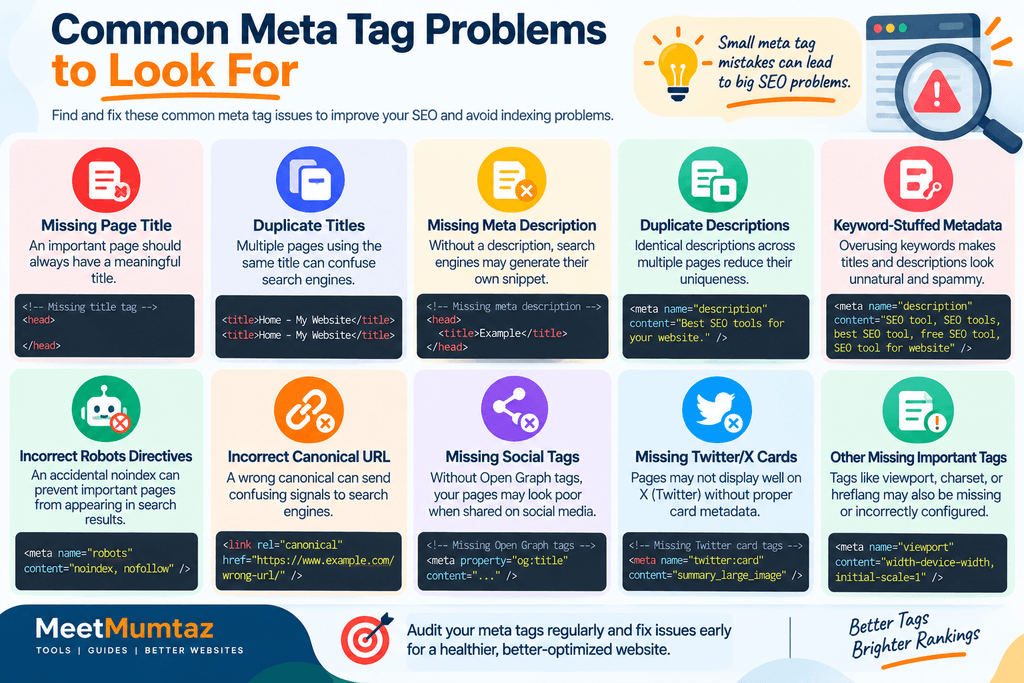
During an audit, watch for problems such as:
Missing page title
An important indexable page should have a meaningful title.
Duplicate titles
Multiple pages using identical titles can make it difficult to distinguish their purpose.
Missing meta description
Search engines can generate their own snippets, but providing a useful description gives them another relevant option.
Duplicate descriptions
Large numbers of identical descriptions often indicate templating or optimization issues.
Keyword-stuffed metadata
Repeating keywords excessively makes titles and descriptions less useful.
Incorrect robots directives
An accidental noindex can prevent an important page from appearing in search results.
Incorrect canonical URL
A canonical pointing to the wrong destination can send confusing consolidation signals.
Missing social tags
Pages may generate poor previews when shared on social platforms.
Finding these problems early can prevent small technical mistakes from becoming site-wide SEO issues.
Meta Tag Analyzer vs. Meta Tag Generator
These tools serve different purposes.
A meta tag analyzer inspects metadata that already exists on a webpage.
A meta tag generator helps you create metadata for a page.
The typical workflow is:
Analyze → Identify Problems → Improve Metadata → Generate/Update Tags → Check Again
For example, you may use an analyzer and discover that your description is missing.
You can then write or generate a suitable description, update the webpage, and run another analysis to confirm that the new metadata is present.
Using both tools together creates a more complete optimization workflow.
Meta Tag Analyzer vs. SERP Preview Tool
A meta tag analyzer and SERP preview tool also have different jobs.
The analyzer inspects the metadata currently implemented on a webpage.
A SERP preview tool helps visualize how a title, URL, and description might look in a search-result-style layout.
A practical workflow is to first inspect the existing metadata, then improve the title and description, and finally preview the revised information before publishing.
Remember that an SEO preview is only an approximation. Search engines can change how titles and snippets appear for individual queries.
Can Meta Tag Analysis Improve SEO?
Yes, when it helps identify real problems.
For example, analysis may reveal that an important page contains an accidentalredirectnoindex, points its canonical to another URL, uses an irrelevant title, or has duplicate metadata.
Correcting such issues can improve the technical and on-page foundation of the website.
However, a perfect metadata report does not guarantee rankings.
SEO performance also depends on factors such as:
- Search intent
- Content quality
- Internal linking
- Crawlability
- Website architecture
- Backlinks and authority
- Page experience
- Topical relevance
Metadata analysis should therefore be treated as one component of a broader SEO strategy.
How Often Should You Check Meta Tags?
You don’t necessarily need to analyze every page every day.
Check metadata when:
- Publishing a new important page
- Updating existing content
- Migrating or redesigning a website
- Changing an SEO plugin
- Modifying templates
- Investigating indexing problems
- Performing an SEO audit
- Reviewing competitor pages
Large websites can also benefit from periodic site-wide checks because template changes can accidentally affect hundreds of URLs at once.
Meta Tag Analysis Checklist
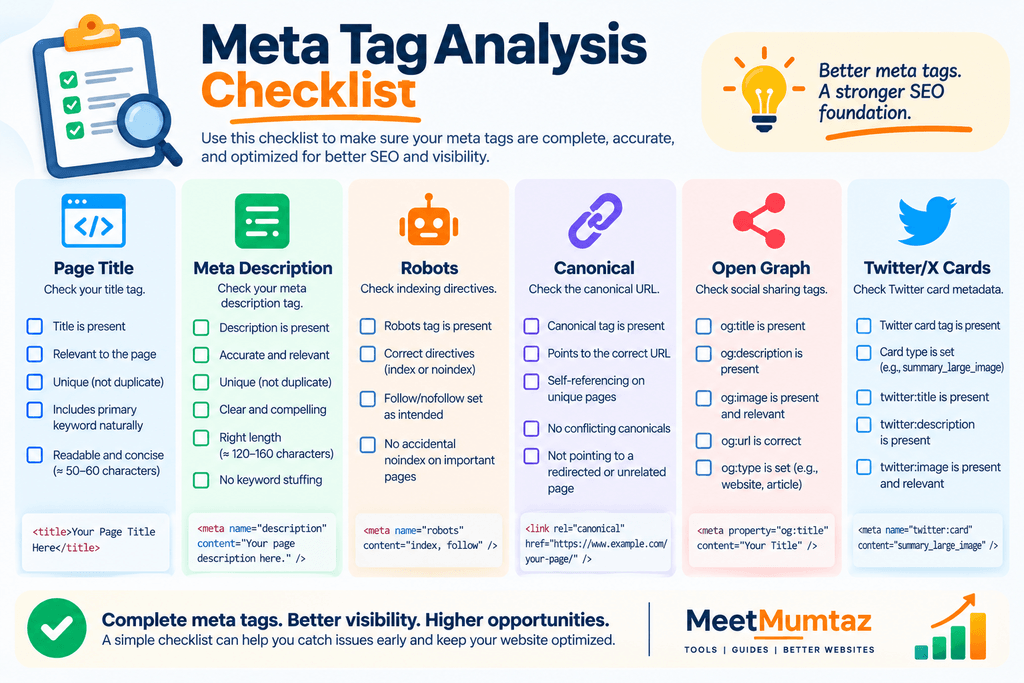
Before completing your analysis, review the following:
Page Title
- Present
- Relevant
- Unique
- Natural keyword usage
Meta Description
- Present where appropriate
- Accurate
- Useful to searchers
- Not keyword stuffed
Robots
- Correct indexing directive
- No accidental
noindex
Canonical
- Present where appropriate
- Points to the intended URL
Open Graph
- Correct title
- Correct description
- Appropriate image
- Correct URL
Social Cards
- Correct card type
- Useful title and description
- Valid image information
A structured checklist reduces the chance of overlooking an important element.
Frequently Asked Questions
What is a meta tag analyzer?
A meta tag analyzer is a tool that inspects a webpage and extracts important metadata such as its title, description, robots directives, canonical URL, and potentially social metadata.
What is meta tag analysis?
Meta tag analysis is the process of reviewing webpage metadata to identify missing, incorrect, duplicate, irrelevant, or poorly optimized elements.
What does a tags viewer do?
A tags viewer extracts and displays selected HTML or metadata elements in an easier-to-read format, reducing the need to manually search through the entire page source.
What is a meta description checker?
A meta description checker helps determine whether a webpage contains a meta description and allows you to review its content for relevance and quality.
Can a meta tag analyzer check competitors?
Yes. If the webpage is publicly accessible, you can analyze publicly available metadata to understand how competitors structure titles, descriptions, canonical references, and other tags.
Does a meta description directly improve Google rankings?
A meta description should not be treated as a direct ranking shortcut. Its main value is accurately summarizing the page and potentially helping users understand why the result is relevant to their search.
Can an analyzer detect a noindex tag?
If the tool supports robots metadata, it can identify a noindex directive contained in the HTML. A comprehensive indexing investigation may also need to consider HTTP headers and other technical factors.
Is a meta tag analyzer enough for a complete SEO audit?
No. Metadata is only one part of SEO. A full audit may also need to examine crawling, indexing, content, internal links, structured data, performance, mobile usability, backlinks, and other technical factors.
Final Thoughts
A meta tag analyzer gives you a fast way to inspect important webpage metadata without manually searching through source code.
But finding tags is only the beginning.
Effective meta tag analysis requires you to determine whether titles, descriptions, robots directives, canonicals, and social metadata actually support the purpose of the page.
Use a tags viewer to simplify inspection, a meta description checker to review important descriptions, and additional SEO tools when deeper technical analysis is required.
The goal isn’t to collect as many meta tags as possible.
It’s to make sure the metadata you use is accurate, useful, technically correct, and aligned with the content users will actually find on the page.


