
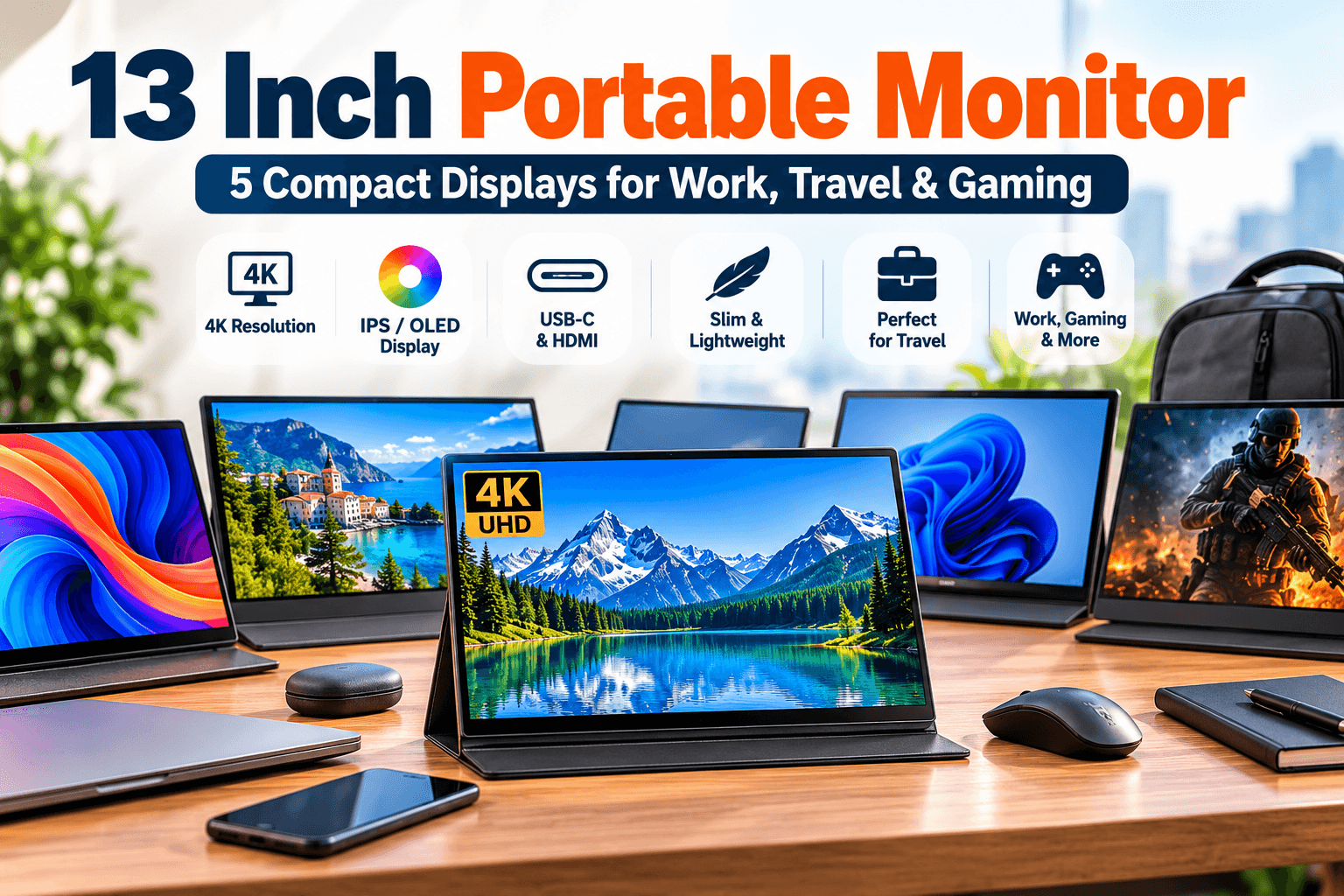
A 13 inch portable monitor can give you extra screen space without turning your laptop bag into a desktop setup. These compact displays are useful for remote work, travel, coding, presentations, gaming, photo editing, and anyone who regularly works with multiple windows.
But portable monitors are not all the same. Resolution can range from Full HD to 4K, connectivity may include USB-C or HDMI, and premium models may offer OLED panels or wider color coverage.
In this guide, we compare five compact display options, including two 13-inch-class 4K monitors and three 14-inch alternatives from brands such as HP and Lenovo. Whether you’re looking for a 13 inch computer monitor for a small workspace or a portable second screen for your laptop, we’ll help you compare display quality, connectivity, portability, and everyday usability.
Affiliate Disclosure: This article contains affiliate links. If you purchase through one of these links, MeetMumtaz may earn a commission at no additional cost to you.
Quick Comparison: 13 Inch Portable Monitor Options
| Portable Monitor | Size | Resolution | Best For | Check Price |
|---|---|---|---|---|
| 13.3-Inch 4K IPS Portable Monitor | 13.3″ | 3840 × 2160 | Compact 4K workspace | Check Price → |
| 13.4-Inch 4K Portable Monitor | 13.4″ | 3840 × 2400 | Travel & high-resolution viewing | Check Price → |
| 14-Inch 4K OLED Portable Monitor | 14″ | 3840 × 2400 | OLED color & contrast | Check Price → |
| HP E14 G4 | 14″ | 1920 × 1080 | Business & productivity | Check Price → |
| Lenovo ThinkVision M14 | 14″ | 1920 × 1080 | Mobile office setups | Check Price → |
1. 13.3 Inch 4K IPS Portable Monitor — Compact High-Resolution Option
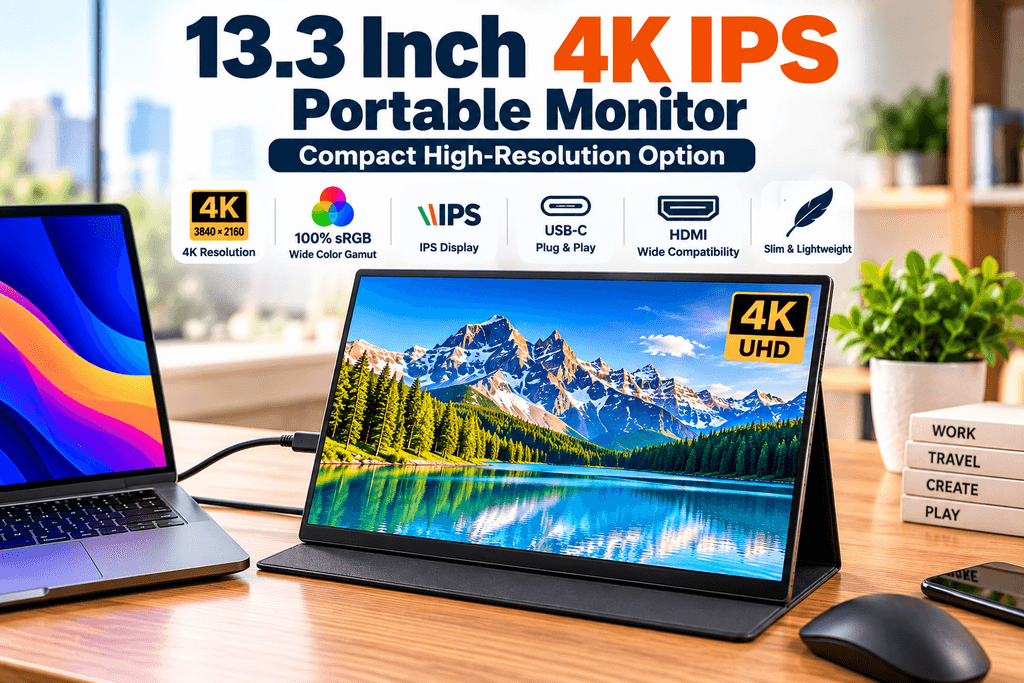
The first product is the closest match to someone specifically searching for a 13 inch portable monitor.
Its listing specifies a 13.3-inch IPS panel with a 3840 × 2160 4K resolution and 100% sRGB color coverage. That combination provides substantially more pixels than a standard Full HD portable display while keeping the physical screen relatively compact.
A high-resolution panel can be particularly useful when viewing detailed photos, working with high-resolution content, reading small text, or simply wanting a sharper secondary display.
The 13.3-inch size also makes this option interesting for frequent travelers who prioritize bag space.
| Category | Details |
|---|---|
| Key Features | 13.3-inch IPS display • 3840 × 2160 4K resolution • 100% sRGB color coverage according to the product listing • Compact portable design • High pixel density • Designed for use as a secondary laptop display |
| ✓ Pros | True 13.3-inch compact screen size • Sharp 4K resolution • IPS display technology • Wide stated sRGB color coverage • Easy to carry for travel • Useful for productivity and detailed visual content |
| ✕ Cons | 4K resolution may require display scaling on a 13.3-inch screen • Smaller physical workspace than 14-inch and larger portable monitors • Laptop and connection compatibility should be checked before purchase |
| Check Price on Amazon → | |
Best for: Buyers who specifically want a compact 13-inch-class screen with 4K resolution.
2. 13.4 Inch 4K Portable Monitor — High-Resolution Travel Screen
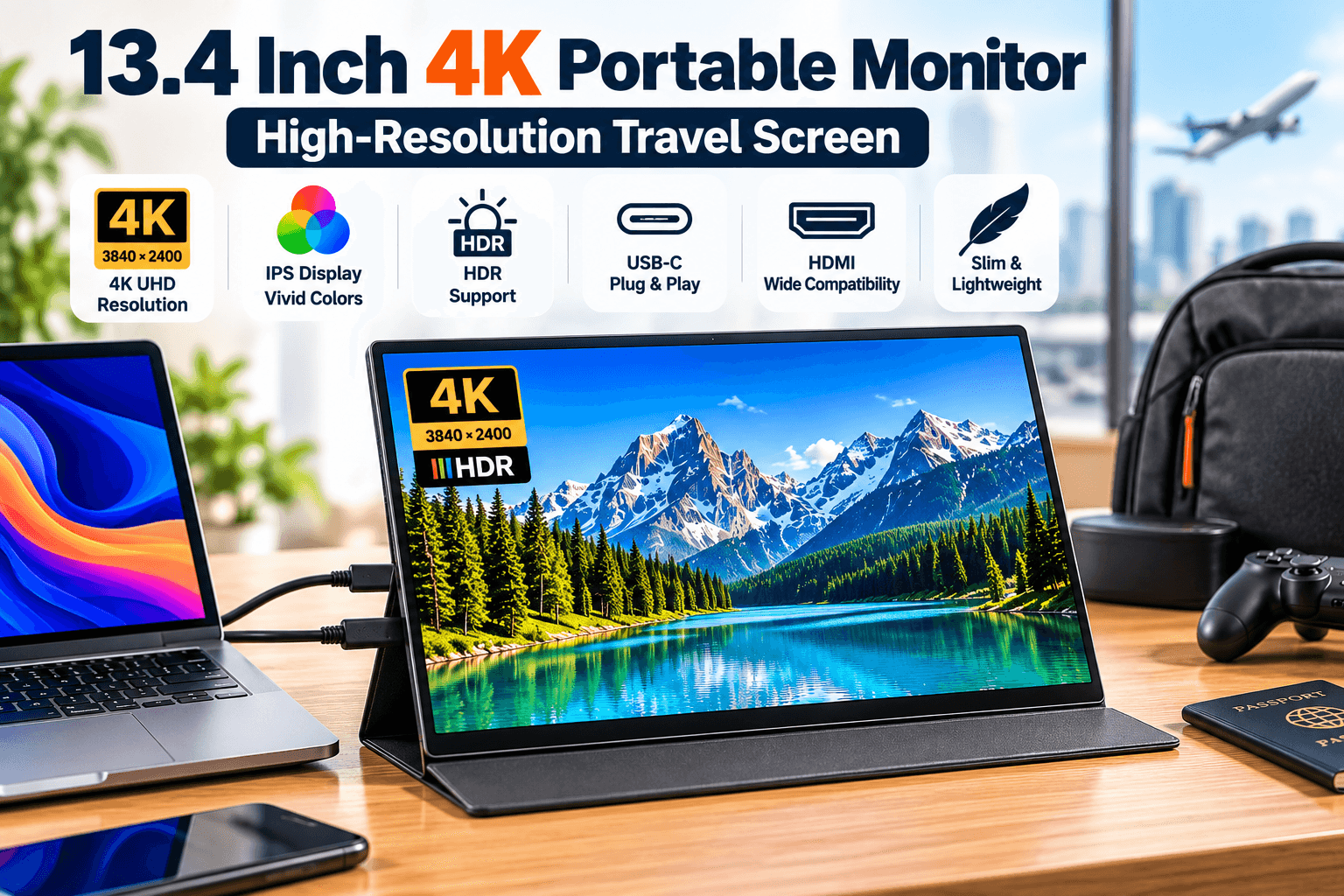
The second option increases the screen slightly to 13.4 inches while maintaining a highly portable format.
According to its product listing, it uses a 3840 × 2400 IPS panel and supports USB-C and HDMI connectivity. The listing also describes HDR support and includes a smart cover.
The 3840 × 2400 resolution uses a taller aspect ratio than conventional 3840 × 2160 4K, providing additional vertical workspace.
That can be useful for documents, coding, browsing, spreadsheets, and productivity applications.
The presence of HDMI also makes this a relevant portable PC monitor HDMI option and broadens its usefulness for compatible laptops, PCs, and game consoles.
| Category | Details |
|---|---|
| Key Features | 13.4-inch IPS display • 3840 × 2400 high-resolution panel • HDR support according to the product listing • USB-C connectivity • HDMI connectivity • Slim and lightweight travel design • Smart cover included |
| ✓ Pros | Compact 13.4-inch screen size • Sharp 3840 × 2400 resolution • USB-C and HDMI connection options • Extra vertical screen space for productivity • Travel-friendly form factor • Useful for laptops, PCs and compatible gaming consoles |
| ✕ Cons | High resolution may require display scaling • USB-C video support depends on the connected laptop or device • Power and connection requirements should be checked before purchase • Smaller physical workspace than larger portable monitors |
| Check Price on Amazon → | |
Best for: Travelers who want a compact high-resolution display with both USB-C and HDMI connectivity.
3. 14 Inch 4K OLED Portable Monitor — For Color and Contrast
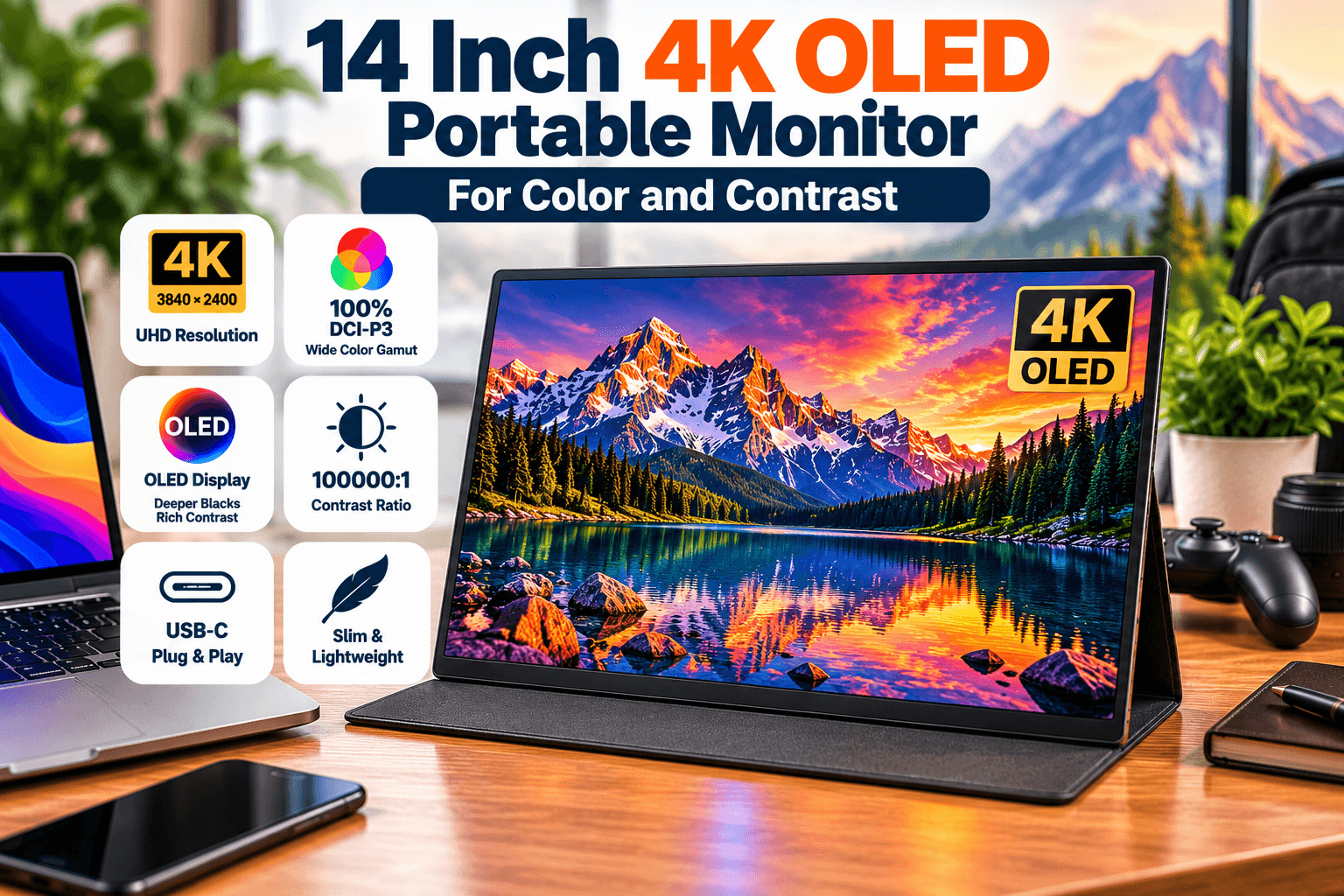
This 14-inch model moves slightly beyond our primary 13-inch size but adds something the first two options do not: an OLED panel.
The supplied listing specifies a 3840 × 2400 UHD resolution, 100% DCI-P3 coverage and a stated 100,000:1 contrast ratio.
OLED technology can provide deep blacks and strong contrast because individual pixels can emit their own light rather than depending on a conventional LCD backlight.
For buyers considering a compact monitor for visual content, photo work, entertainment, or simply richer image quality, this makes the OLED model an interesting alternative to IPS.
| Category | Details |
|---|---|
| Key Features | 14-inch OLED display • 3840 × 2400 UHD resolution • 100% DCI-P3 color coverage according to the product listing • 100,000:1 stated contrast ratio • High-resolution portable display • Slim and travel-friendly design |
| ✓ Pros | OLED display technology • Deep blacks and strong contrast • Sharp 3840 × 2400 resolution • Wide stated DCI-P3 color coverage • Excellent option for visual content and entertainment • Compact enough for mobile work setups |
| ✕ Cons | Slightly larger than a true 13-inch portable monitor • OLED may be unnecessary for basic office tasks • High resolution may require display scaling • Device and connection compatibility should be checked before purchase |
| Check Price on Amazon → | |
Best for: Users prioritizing OLED contrast, high resolution, and wide stated color coverage over the smallest possible screen size.
4. HP E14 G4 Portable Monitor — Business-Friendly 14-Inch AlternativeAnyone searching specifically for an HP portable monitor should consider the E14 G4.
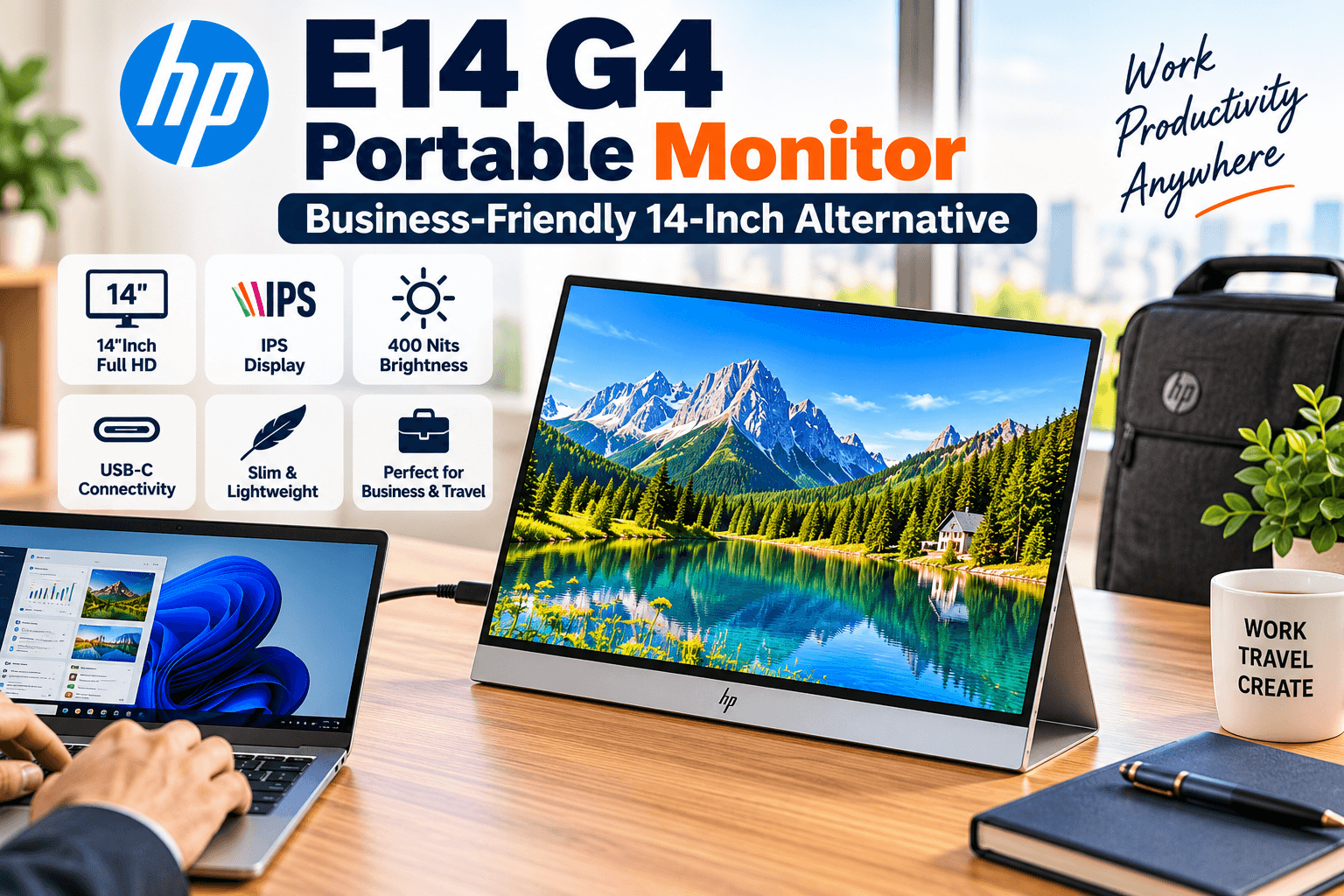
Unlike the generic 4K options above, HP provides detailed official specifications for this model.
The E14 G4 has a 14-inch IPS panel, 1920 × 1080 Full HD resolution, 400-nit brightness, 5ms GtG response time with overdrive, anti-glare treatment, and two USB-C ports supporting DisplayPort 1.2 Alt Mode. It weighs approximately 1.41 lb (0.64 kg). HP
HP also specifies a tilt range from 0° to +78°, which means the integrated design already provides positioning flexibility without necessarily requiring a separate stand for portable monitor. HP
HP’s US product page describes single-cable USB-C connectivity and 65W power pass-through functionality. HP
| Category | Details |
|---|---|
| Key Features | 14-inch IPS display • 1920 × 1080 Full HD resolution • 400-nit brightness • 60Hz refresh rate • 5ms GtG response time with overdrive • 2× USB-C ports with DisplayPort 1.2 Alt Mode • Anti-glare display • Approx. 1.41 lb lightweight design |
| ✓ Pros | Bright 400-nit IPS panel • Lightweight and travel-friendly design • Two USB-C ports • Integrated adjustable stand • Anti-glare screen for productivity • Strong option for business and mobile work |
| ✕ Cons | Full HD rather than 4K resolution • USB-C-focused connectivity may limit devices without compatible video output • No integrated webcam or speakers • Slightly larger than a true 13-inch portable monitor |
| Check Price on Amazon → | |
Best for: Business users who prefer a lightweight, established-brand Full HD USB-C portable monitor.
5. Lenovo ThinkVision M14 Portable Monitor — Lightweight Mobile Productivity
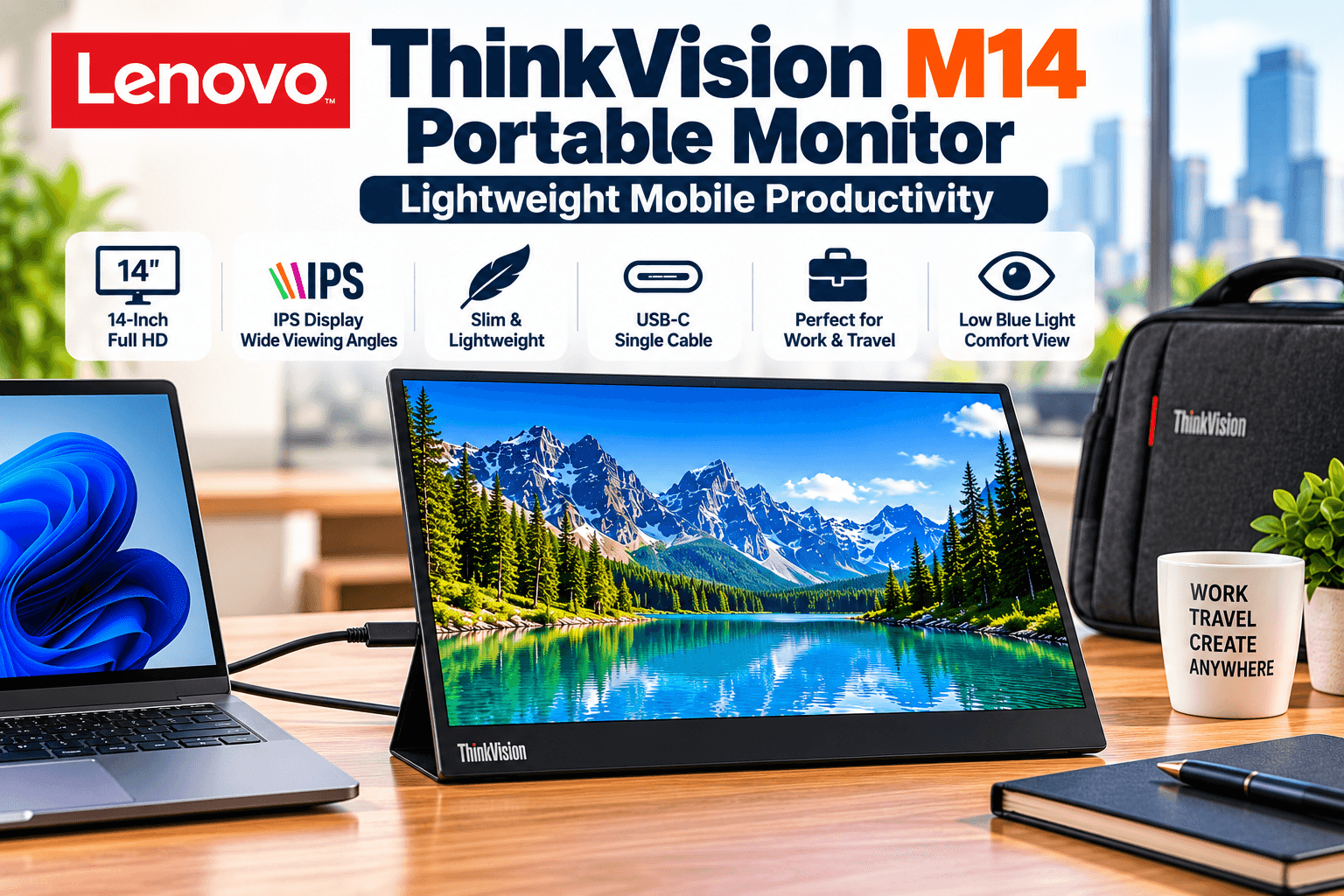
The Lenovo ThinkVision M14 portable monitor is another compact 14-inch alternative built primarily around mobile productivity.
Lenovo’s official specifications confirm a 14-inch IPS panel, 1920 × 1080 resolution, 300-nit brightness, 60Hz refresh rate, 6ms response time with overdrive, 72% NTSC color gamut, and two USB-C 3.1 Gen 1 ports supporting DisplayPort 1.2 Alt Mode. Lenovo PSREF
At approximately 0.598 kg / 1.31 lb, it is even slightly lighter than the HP E14 G4. Lenovo also specifies an integrated stand supporting approximately -5° to +90° tilt and includes a ThinkVision M14 sleeve. Lenovo PSREF
This is less about maximizing resolution and more about creating a practical second-screen setup that remains easy to carry.
| Category | Details |
|---|---|
| Key Features | 14-inch IPS display • 1920 × 1080 Full HD resolution • 300-nit brightness • 60Hz refresh rate • 6ms response time with overdrive • 2× USB-C 3.1 Gen 1 ports with DisplayPort 1.2 Alt Mode • Integrated adjustable stand • Approx. 1.31 lb lightweight design |
| ✓ Pros | Very lightweight and travel-friendly • Full HD IPS display • Two USB-C ports • Wide adjustable stand range • Compact mobile productivity setup • ThinkVision M14 sleeve included |
| ✕ Cons | Full HD rather than 4K resolution • No HDMI input • Requires compatible USB-C DisplayPort Alt Mode connectivity • Lower brightness than the HP E14 G4 • Slightly larger than a true 13-inch portable monitor |
| Check Price on Amazon → | |
Best for: Laptop users who want a particularly lightweight Full HD second screen for mobile work.
How to Choose a 13 Inch Portable Monitor
The best portable monitor is not necessarily the one with the highest resolution. Your laptop, workflow, travel habits, and connectivity requirements matter just as much.
1. 13 Inch vs 14 Inch Portable Monitor
A true 13-inch-class display is appealing when portability is the highest priority.
It takes less space in a laptop bag and can pair naturally with compact notebooks.
A 14-inch display provides slightly more physical workspace while still remaining highly portable. The HP E14 G4 weighs about 1.41 lb, while Lenovo lists the ThinkVision M14 at about 1.31 lb, demonstrating that a 14-inch panel does not automatically mean a heavy travel monitor. HP
For this reason, buyers searching for a 13 inch portable monitor should not automatically exclude a compact 14-inch model.
2. Full HD vs 4K
The first three monitors in our selection advertise 4K-class resolutions, while the HP and Lenovo models use 1920 × 1080 Full HD.
4K provides more pixels, but the advantage depends on how the monitor is used.
For detailed images, high-resolution media, or dense workspaces, additional resolution can be useful.
For email, browser windows, documents, and spreadsheets, Full HD can still be perfectly practical on a 13- or 14-inch screen.
Higher resolution may also require operating-system scaling to keep text and interface elements comfortable to read.
3. USB-C vs HDMI
USB-C can make a portable setup much cleaner because compatible hardware can carry video and power through a compact connector.
However, not every USB-C port supports video output.
HP specifies DisplayPort 1.2 Alt Mode for the E14 G4’s USB-C video input, and Lenovo specifies DisplayPort 1.2 Alt Mode for the M14. HP
If your laptop lacks USB-C video output, a portable PC monitor HDMI connection may be more convenient. That’s where a model offering both USB-C and HDMI can provide greater flexibility.
4. Do You Need a Wireless Portable Monitor?
Portable monitor wireless is a tempting search because eliminating the video cable sounds convenient.
But none of the five products selected for this article should be represented as a dedicated wireless monitor based on the specifications available to us.
These are primarily wired portable displays.
If wireless display functionality is essential, look specifically for a model that explicitly supports the required wireless display protocol rather than assuming that a USB-C portable monitor is wireless.
That distinction is important because “portable” describes the physical design—not necessarily the connection method.
5. Consider the Stand
A good stand for portable monitor can make a significant difference to ergonomics.
Some portable displays rely on folding smart covers, while others integrate a proper adjustable stand.
HP specifies a 0° to +78° tilt range for the E14 G4, while Lenovo’s M14 supports approximately -5° to +90°. HP
If you frequently work for several hours at a time, viewing angle and stability deserve almost as much attention as resolution.
6. Think About Your Desk Connectivity
Portable monitors often become part of a larger laptop workstation.
If you regularly connect storage, Ethernet, keyboards, mice, and multiple displays at the same desk, a dock may simplify the setup. Our guide to choosing a universal laptop docking station explains the differences between dual- and multi-monitor docking configurations.
If portable storage is also part of your travel setup, you can compare our external solid state drive 2TB options for compact high-capacity storage.
13-Inch 4K vs 14-Inch Full HD: Which Makes More Sense?
For maximum pixel density in the smallest possible package, one of the 13.3- or 13.4-inch 4K models is more aligned with that goal.
For business productivity, brand documentation, and straightforward USB-C connectivity, the HP E14 G4 and Lenovo ThinkVision M14 offer a different proposition.
The 14-inch OLED model sits somewhere else again: it emphasizes panel technology, resolution, color coverage, and contrast.
Rather than selecting solely by screen size, decide which characteristic matters most:
Maximum portability: 13.3-inch / 13.4-inch options.
Color and contrast: 14-inch OLED option.
Business productivity: HP E14 G4.
Lightweight mobile office: Lenovo ThinkVision M14.
Frequently Asked Questions
Is a 13 inch portable monitor too small?
Not necessarily. A 13-inch-class monitor can be a practical second display for email, documents, coding, communication apps, reference material, and travel.
For users who want a larger secondary workspace, a 14- or 15.6-inch portable monitor may be more comfortable.
Can a portable monitor connect through HDMI?
Some can.
The 13.4-inch model selected here advertises both USB-C and HDMI connectivity. HP E14 G4 and Lenovo ThinkVision M14, however, are primarily USB-C display solutions. HP and Lenovo both specify DisplayPort Alt Mode over USB-C for their respective models. HP
Is a 4K portable monitor worth it?
It depends on your workload.
4K provides greater pixel density and can be valuable for high-resolution images and detailed visual work. On a small 13-inch display, however, operating-system scaling will often be necessary for comfortable text and interface sizes.
Is the HP E14 G4 a 13-inch monitor?
No. The HP E14 G4 is officially a 14-inch monitor. It is included here as a compact alternative for shoppers comparing 13- and 14-inch portable displays. HP Support
Is the Lenovo ThinkVision M14 a 13-inch portable monitor?
No. Lenovo officially specifies the ThinkVision M14 as a 14-inch Full HD IPS monitor. Lenovo PSREF
Can the Lenovo ThinkVision M14 connect through HDMI?
The original ThinkVision M14 specifications list two USB-C 3.1 Gen 1 ports with DisplayPort 1.2 Alt Mode; HDMI is not listed as an input. Lenovo PSREF
Can I use a portable monitor with a gaming console?
A portable monitor with a compatible HDMI input can potentially work with consoles such as PlayStation or Xbox.
Check the specific monitor’s HDMI support, power requirements, resolution, refresh rate, and console compatibility before buying.
Final Thoughts
A 13 inch portable monitor makes sense when you want more screen space without giving up the mobility that makes a laptop useful in the first place.
The two 13-inch-class monitors in this comparison emphasize compact size and 4K resolution. Moving slightly up to 14 inches opens additional choices: OLED for stronger contrast and color, HP’s E14 G4 for business-oriented portability, and Lenovo’s ThinkVision M14 for a lightweight Full HD mobile workspace.
The key is to match the monitor to your actual laptop and workflow. Check USB-C video support, HDMI requirements, resolution, stand design, weight, and power requirements before ordering.
A portable monitor should make your mobile workspace simpler—not create another compatibility problem.


