

Have you ever received a document, copied text from a website, or written a heading only to realize that everything is in capital letters? Manually rewriting each word can be frustrating, especially when you are working with a large amount of text.
Fortunately, you can change uppercase to lowercase automatically instead of editing every letter yourself. A text case converter can transform capital letters into lowercase text in seconds while keeping the original words and spacing intact.
In this guide, you’ll learn how uppercase-to-lowercase conversion works, when it is useful, and how to convert text quickly using a browser-based tool.
What Does Uppercase to Lowercase Mean?
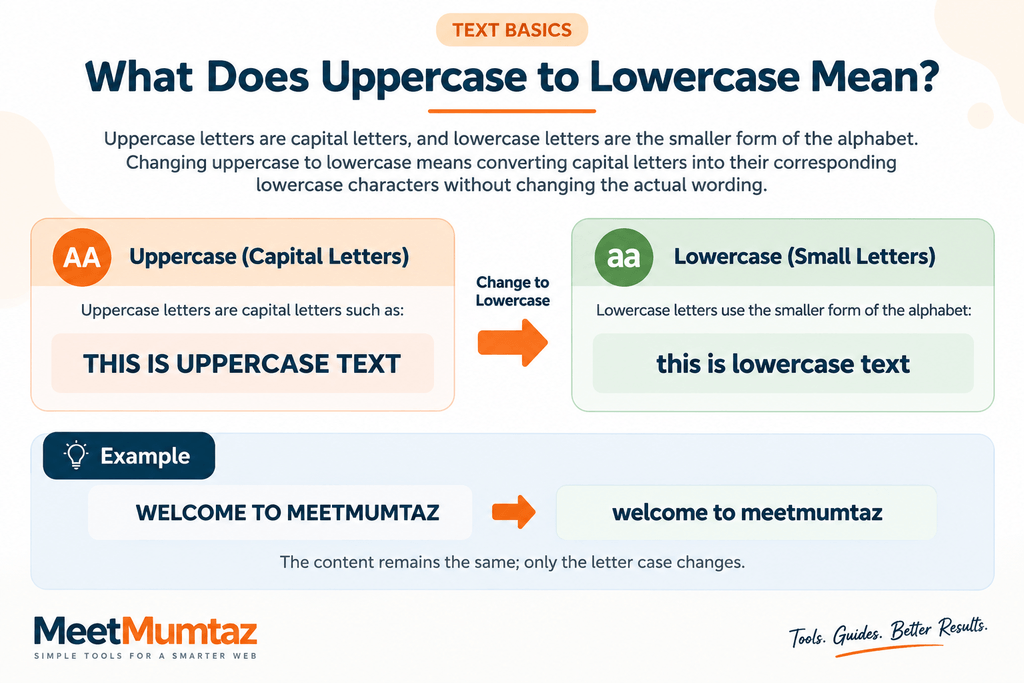
Uppercase letters are capital letters such as:
THIS IS UPPERCASE TEXT
Lowercase letters use the smaller form of the alphabet:
this is lowercase text
Changing uppercase to lowercase means converting capital letters into their corresponding lowercase characters without changing the actual wording.
For example:
Before:
WELCOME TO MEETMUMTAZ
After:
welcome to meetmumtaz
The content remains the same; only the letter case changes.
How to Change Uppercase to Lowercase Online
The easiest method is to use an online text case converter.
Instead of manually deleting and rewriting capital letters, you paste your text into the tool and choose the required conversion.
You can use the Text Case Converter from MeetMumtaz to change the capitalization of your text directly in your browser.
The basic process is simple:
- Copy the text you want to convert.
- Paste it into the text box.
- Select the lowercase conversion option.
- Review the converted text.
- Copy the result and use it wherever needed.
This is particularly useful when working with long paragraphs, product descriptions, headings, lists, or data containing inconsistent capitalization.
Why Convert Uppercase Text to Lowercase?
There are many situations where text ends up entirely in capital letters.
You may copy information from a spreadsheet, database, PDF, website, email, or another document where the capitalization does not match your required format.
For example:
DIGITAL MARKETING TOOLS FOR SMALL BUSINESSES
may need to become:
digital marketing tools for small businesses
Using an uppercase-to-lowercase converter makes this transformation almost instant.
It also reduces the possibility of mistakes that can occur when manually retyping large amounts of text.
Convert Text to Lowercase Without Retyping
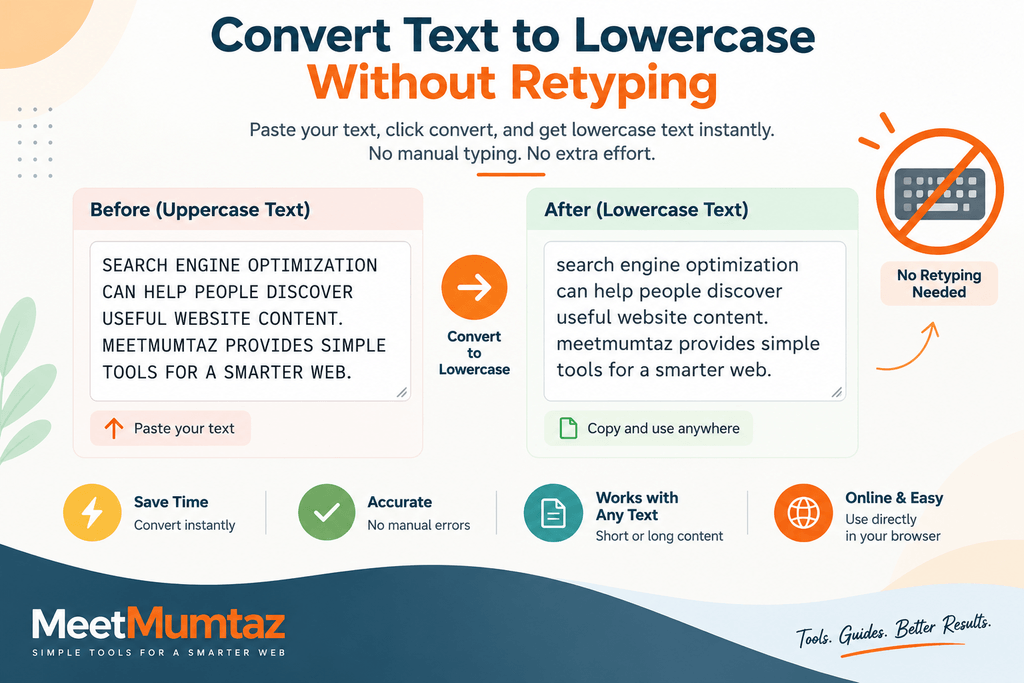
CConsider a paragraph like this:
SEARCH ENGINE OPTIMIZATION CAN HELP PEOPLE DISCOVER USEFUL WEBSITE CONTENT.
Retyping the entire sentence just to correct its capitalization would be unnecessary.
A text-to-lowercase conversion changes it to:
search engine optimization can help people discover useful website content.
This becomes increasingly useful when hundreds or thousands of characters need to be processed. In JavaScript, this type of conversion can be performed using the toLowerCase() method documented by MDN, which returns a string converted to lowercase.
Upper to Lower Case Conversion for Writers
Writers and editors frequently work with text collected from multiple sources.
One document may use normal capitalization while another contains headings or sentences written entirely in capitals.
An upper-to-lower conversion provides a quick starting point for standardizing that content.
After conversion, the writer can apply appropriate capitalization where necessary instead of rewriting everything from scratch.
Lowercase Text for Website Content
Consistent formatting makes website content easier to maintain.
Suppose you receive a list like:
SEO TOOLSDEVELOPER TOOLSWEBSITE TOOLSTEXT UTILITIES
If your project requires lowercase values, these can quickly become:
seo toolsdeveloper toolswebsite toolstext utilities
This can be useful when preparing text for forms, datasets, tags, development work, content management systems, or other workflows. If you’re also working with written content, you can use the Word Counter to quickly check the number of words and characters in your text.
Uppercase Text vs. Lowercase Text
Uppercase and lowercase both have legitimate uses.
Uppercase text can be useful for abbreviations, certain labels, acronyms, or specific design purposes. Lowercase is commonly used throughout normal sentences and many other forms of written content.
For example:
Uppercase:THIS IS AN EXAMPLE
Lowercase:this is an example
Neither format is inherently incorrect. The appropriate choice depends on where and how the text will be used.
A text case converter simply makes switching between these formats faster.
Can You Capitalize to Lowercase Automatically?
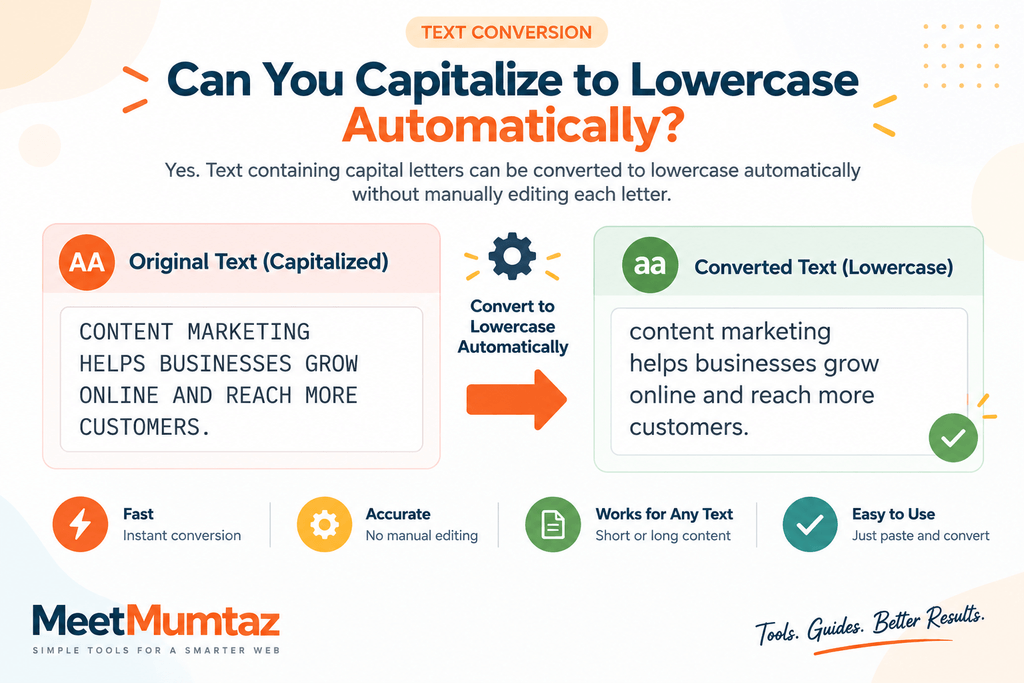
Yes. Text containing capital letters can be converted automatically rather than manually editing individual characters.
For example:
CONTENT MARKETING
can become:
content marketing
Likewise:
WORDPRESS DEVELOPMENT
can become:
wordpress development
This is especially convenient when processing lists or large blocks of text.
Other Text Case Conversions You May Need
Changing uppercase to lowercase is only one type of text transformation.
Depending on the tool, you may also be able to convert text into other capitalization styles. The Text Case Converter from MeetMumtaz makes it easy to switch between different text case formats without manually rewriting your content.
UPPERCASE
Transforms letters into capitals:
technical seo
becomes:
TECHNICAL SEO
lowercase
Transforms capital letters into lowercase:
TECHNICAL SEO
becomes:
technical seo
Title Case
Capitalizes important words in a title:
how to improve website seo
may become:
How to Improve Website SEO
Sentence case
Adjusts text toward normal sentence capitalization:
THIS IS AN EXAMPLE SENTENCE.
may become:
This is an example sentence.
Having these options in one text case converter can save time when content needs different formatting.
Who Can Use a Text Case Converter?
Case conversion is useful across many types of work.
Students can clean up notes or assignments. Writers can correct formatting in drafts. Bloggers can standardize copied content. Developers can transform text while preparing data. Office workers can clean up lists and documents, while website owners can quickly adjust headings, labels, and other content.
Because the conversion is automatic, even a large block of text can be processed much faster than manual rewriting.
Does Changing Letter Case Change the Meaning?
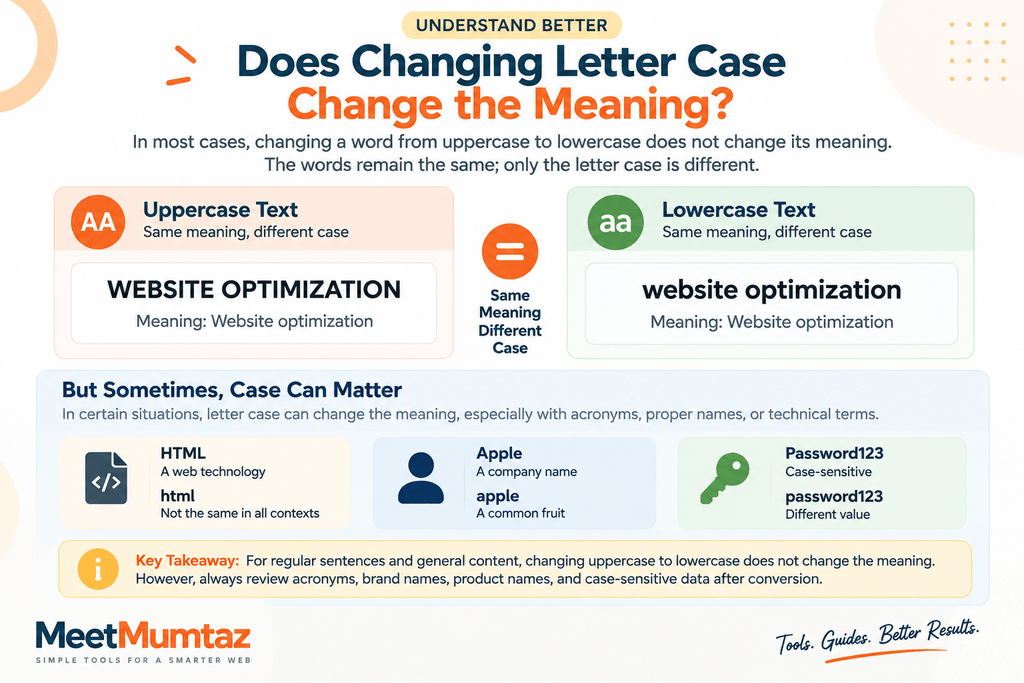
Usually, converting ordinary text from uppercase to lowercase does not change the underlying words.
For example:
WEBSITE OPTIMIZATION
and
website optimization
contain the same words.
However, capitalization can sometimes carry meaning. Acronyms, proper names, product names, programming identifiers, passwords, and case-sensitive data may require specific capitalization. The Unicode guidance on case mapping and character properties also explains that case conversion can involve language-specific and context-dependent rules.
For that reason, always review converted text before using it in an important document or technical workflow.
Tips for Converting Text Correctly
Before converting a large amount of content, decide which capitalization style you actually need.
After conversion, review proper names, acronyms, abbreviations, and brand names because some may need their original capitalization restored.
For example, converting:
HTML AND CSS ARE USED IN WEB DEVELOPMENT
to lowercase produces:
html and css are used in web development
But in a finished article, you may prefer:
HTML and CSS are used in web development.
The converter handles the mechanical transformation; final proofreading ensures the text matches its intended context. If you’re working with structured data during development, you can also use the JSON Formatter & Validator to format, validate, and make JSON data easier to review. Frequently Asked Questions
How do I change uppercase to lowercase?
Paste your uppercase text into a text case converter and select the lowercase option. The capital letters will be transformed into lowercase automatically.
Can I convert uppercase text without retyping it?
Yes. An online case converter can process the existing text, so there is no need to type the entire passage again.
Can I convert a large paragraph to lowercase?
Yes. You can paste a paragraph or larger block of text into a suitable converter and transform its capitalization at once.
Does converting text to lowercase remove punctuation?
A case conversion should primarily change letter capitalization. Punctuation, numbers, and spacing should generally remain unaffected, depending on the tool’s implementation.
Can I change lowercase text back to uppercase?
Yes. A text case converter that supports uppercase conversion can transform lowercase letters back into capital letters.
Is the MeetMumtaz Text Case Converter free?
The MeetMumtaz Text Case Converter is available as a browser-based tool for changing text capitalization without manually retyping it.
Final Thoughts
If you regularly work with documents, website content, spreadsheets, emails, or copied text, incorrect capitalization can become an unnecessary source of repetitive work.
Instead of manually editing every letter, you can change uppercase to lowercase using a text case converter and then review the result for proper names, acronyms, and other case-sensitive terms.
Whether you need to convert uppercase text, create lowercase text, change text to lowercase, or perform another case transformation, an automated converter can make the process considerably faster.


