If you regularly move large files, back up a laptop, store photos and videos, or simply need more portable storage, a 2TB external SSD offers a useful balance between capacity, speed, and portability.
Unlike a traditional portable hard drive, an SSD has no spinning disk inside. That makes external SSDs particularly attractive for users who want faster file transfers in a compact form factor.
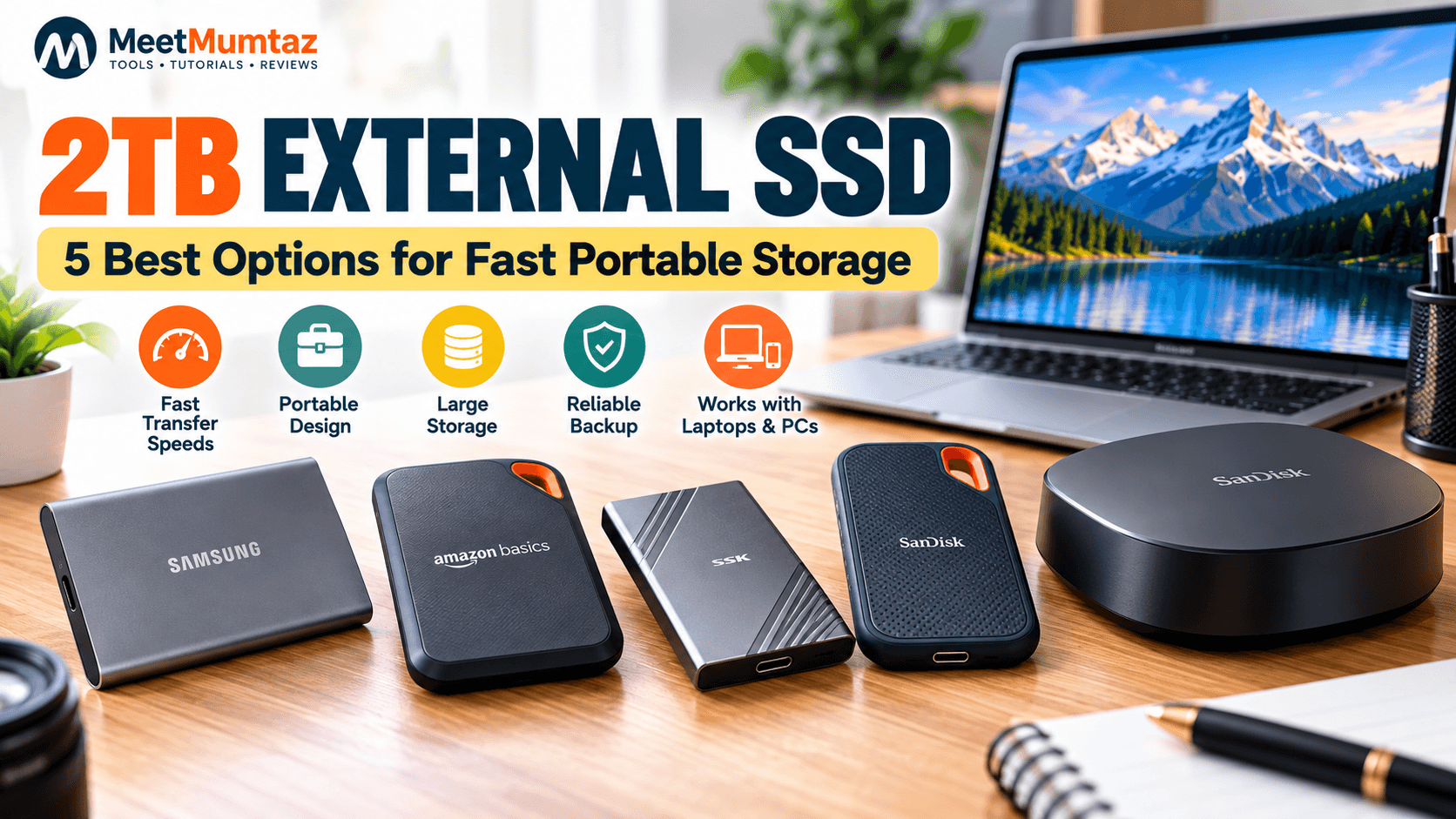
In this guide, we’ve selected five options covering everyday portable storage, high-speed transfers, desktop backup, and higher-capacity storage. Most are 2TB models, while the 8TB SanDisk Desk Drive is included for buyers who need considerably more space.
Affiliate Disclosure: This article contains affiliate links. If you purchase through our links, MeetMumtaz may earn a commission at no additional cost to you.
Quick Comparison
| External SSD | Capacity | Best For | Claimed Read Speed | Price |
|---|---|---|---|---|
| Samsung T7 Portable SSD | 2TB | Best Overall | Up to 1,050MB/s | Check Price → |
| Amazon Basics Portable External SSD | 2TB | High-Speed Portable Use | Up to 2,000MB/s* | Check Price → |
| SSK External SSD | 2TB | Fast Transfers | Up to 2,000MB/s* | Check Price → |
| SanDisk Portable SSD | 2TB | Everyday Portable Storage | Up to 1,000MB/s | Check Price → |
| SanDisk Desk Drive SSD | 8TB | High-Capacity Desktop Storage | Up to 1,000MB/s | Check Price → |
* Speeds are manufacturer/listing maximums rather than guaranteed real-world transfer speeds. Actual performance depends on the host device, interface, workload, cable, and other conditions.
1. Samsung T7 Portable SSD 2TB — Best Overall
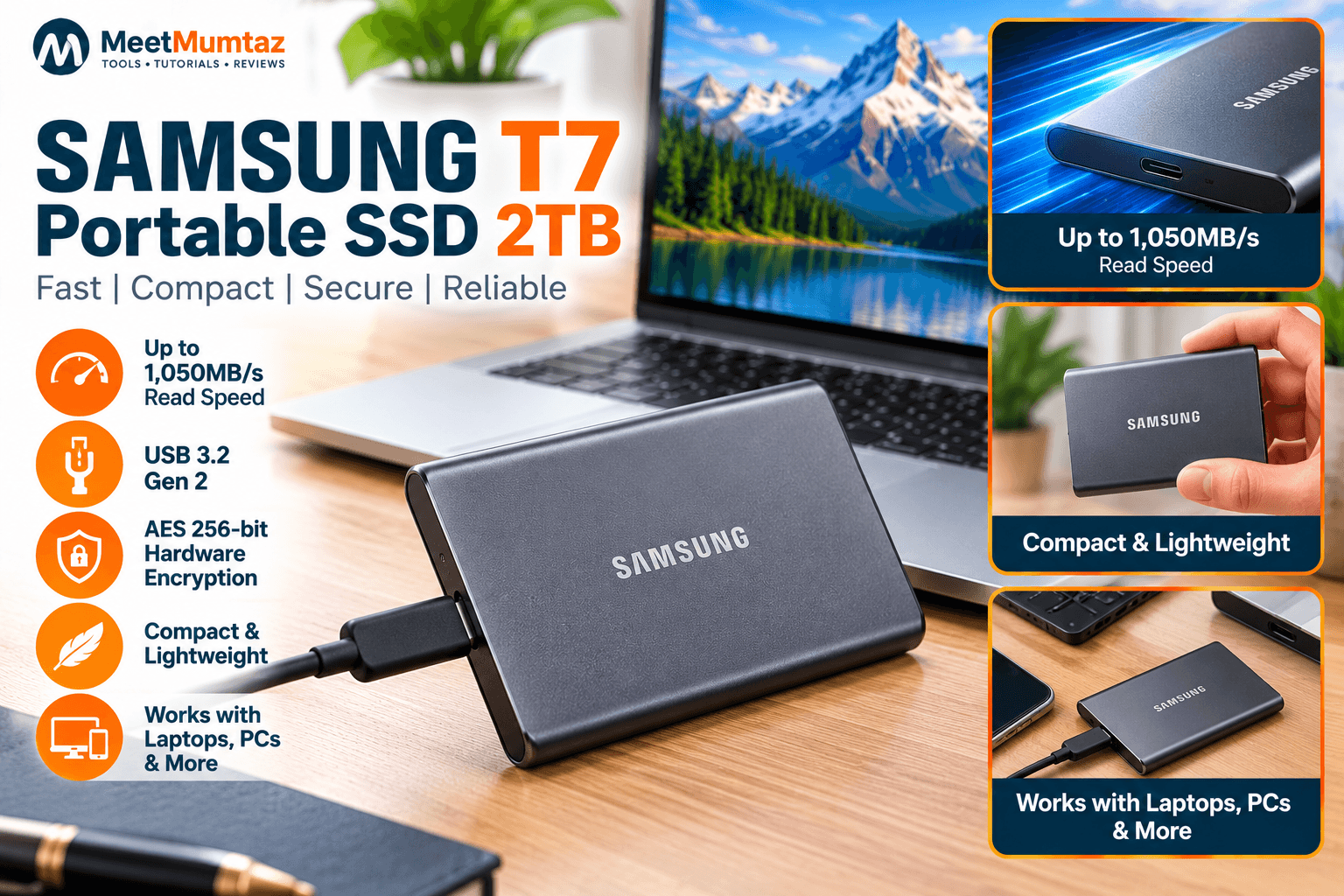
The Samsung T7 Portable SSD 2TB is a strong all-around choice for users who want compact external storage without moving into a larger desktop drive.
Samsung specifies a USB 3.2 Gen 2 interface with sequential read speeds of up to 1,050MB/s and write speeds of up to 1,000MB/s. The 2TB model weighs about 58g and measures only 85 × 57 × 8mm. Samsung dk
That combination makes the T7 particularly suitable for carrying between home, work, and travel.
Samsung also specifies AES 256-bit hardware encryption and optional password protection. Samsung dk
Key Features
- 2TB storage capacity
- Up to 1,050MB/s sequential read
- Up to 1,000MB/s sequential write
- USB 3.2 Gen 2
- Compact 85 × 57 × 8mm body
- Approximately 58g
- AES 256-bit hardware encryption
- Optional password protection
Pros
- Compact and lightweight
- Strong read/write specifications
- Hardware encryption
- Established portable SSD platform
- Useful for laptops and travel
Cons
- Maximum advertised speed requires compatible hardware
- Users prioritizing much larger capacity may need a desktop SSD instead
Best for: everyday portable storage, laptops, large files, photos, videos, and users wanting a well-rounded 2TB external SSD.
Check Price on Amazon →2. Amazon Basics Portable External SSD 2TB — Best for High-Speed Portable Storage
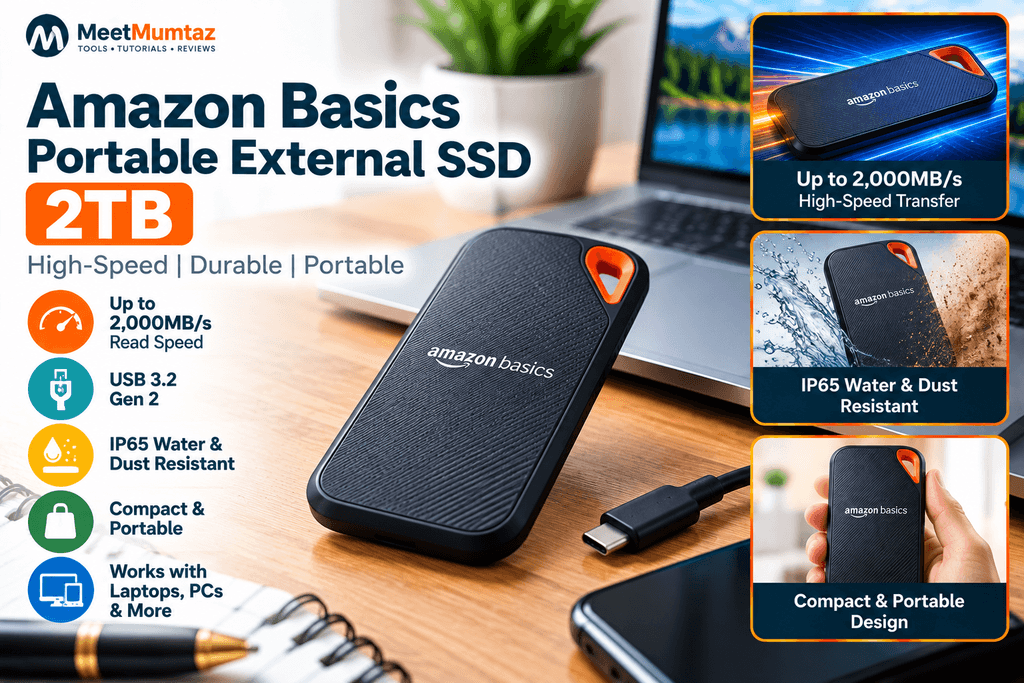
The Amazon Basics Portable External SSD 2TB is worth considering when maximum listed transfer speed is a major part of your buying decision.
The current Amazon product title supplied for this guide advertises speeds of up to 2,000MB/s, USB 3.2 Gen 2 connectivity, and an IP65 water- and dust-resistance rating.
Those specifications position it differently from basic portable SSDs that top out around 1,000MB/s.
However, there is an important consideration with any external drive advertising around 2,000MB/s: your computer’s USB interface needs to support the required bandwidth. Connecting a high-speed SSD to a slower USB port can limit actual transfer speeds.
Key Features
- 2TB capacity
- Listing claims speeds up to 2,000MB/s
- USB 3.2 connectivity
- IP65 water- and dust-resistance claimed by current listing
- Portable form factor
- Black finish
Pros
- High advertised transfer speed
- 2TB capacity
- Portable design
- Durability-focused IP65 specification
Cons
- Maximum performance depends heavily on host connectivity
- Buyers should confirm exact interface requirements on the current listing
Best for: buyers seeking an external solid-state drive 2TB model with higher advertised transfer performance.
Check Price on Amazon →3. SSK External SSD Hard Drive 2TB — Best for Fast File Transfers
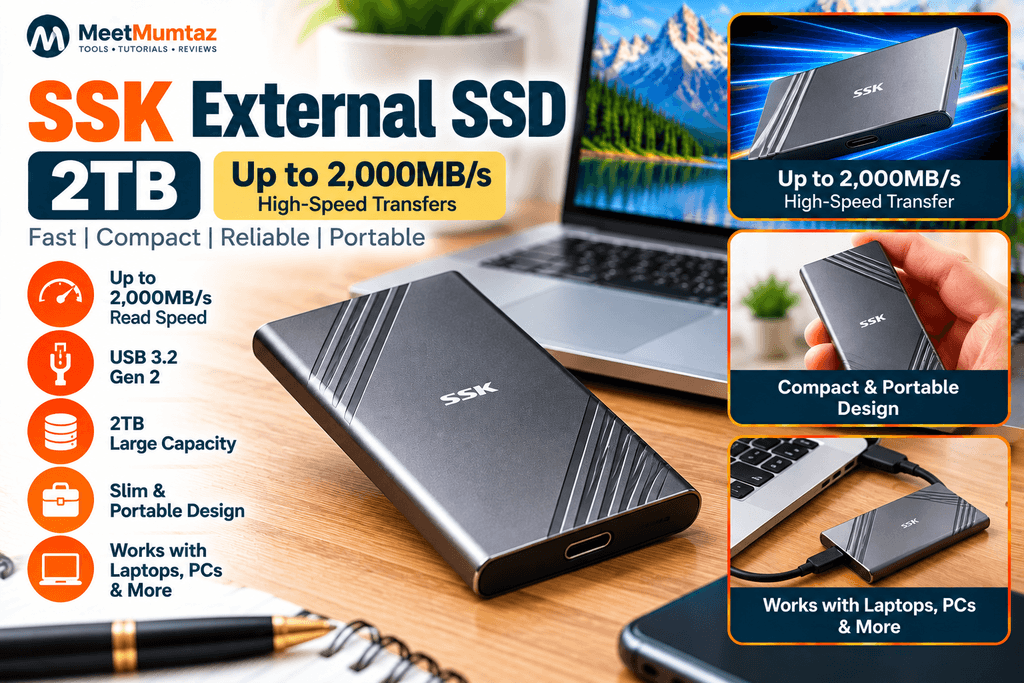
The SSK External SSD Hard Drive 2TB is another performance-oriented option in this comparison.
The Amazon listing supplied for this article advertises transfer performance of up to 2,000MB/s, placing this model among the faster options on paper.
If you’re specifically searching for an SSD hard drive 2TB external solution for transferring large media files, backups, project folders, or other data, that performance class can be attractive.
As with any high-speed external SSD, however, advertised maximum performance shouldn’t be treated as the speed you’ll receive on every computer. The USB controller, port, cable, file size, and workload can all affect actual results.
Key Features
- 2TB capacity
- Up to 2,000MB/s claimed by the supplied listing
- External solid-state storage
- Portable design
- Intended for high-speed data transfers
Pros
- High advertised maximum speed
- Large 2TB capacity
- Portable SSD format
- Suitable for large-file transfers
Cons
- Real-world performance will depend on the connected system
- Check the current listing’s exact interface and compatibility before ordering
Best for: users prioritizing high advertised transfer speeds in a portable 2TB drive.
Check Price on Amazon →4. SanDisk Portable SSD 2TB — Best for Everyday Portable Storage
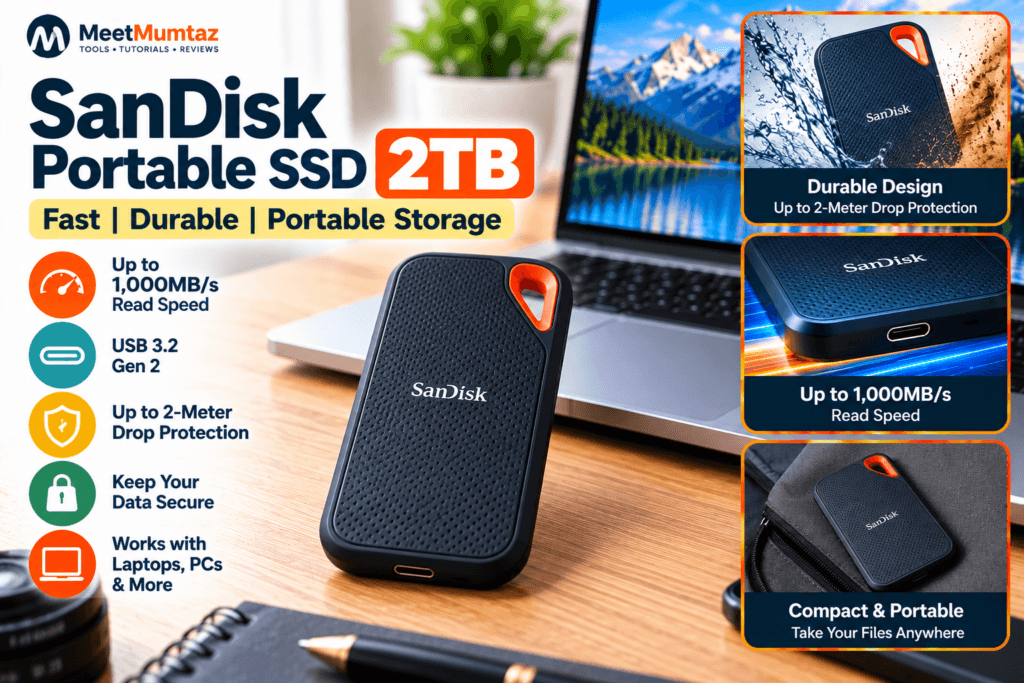
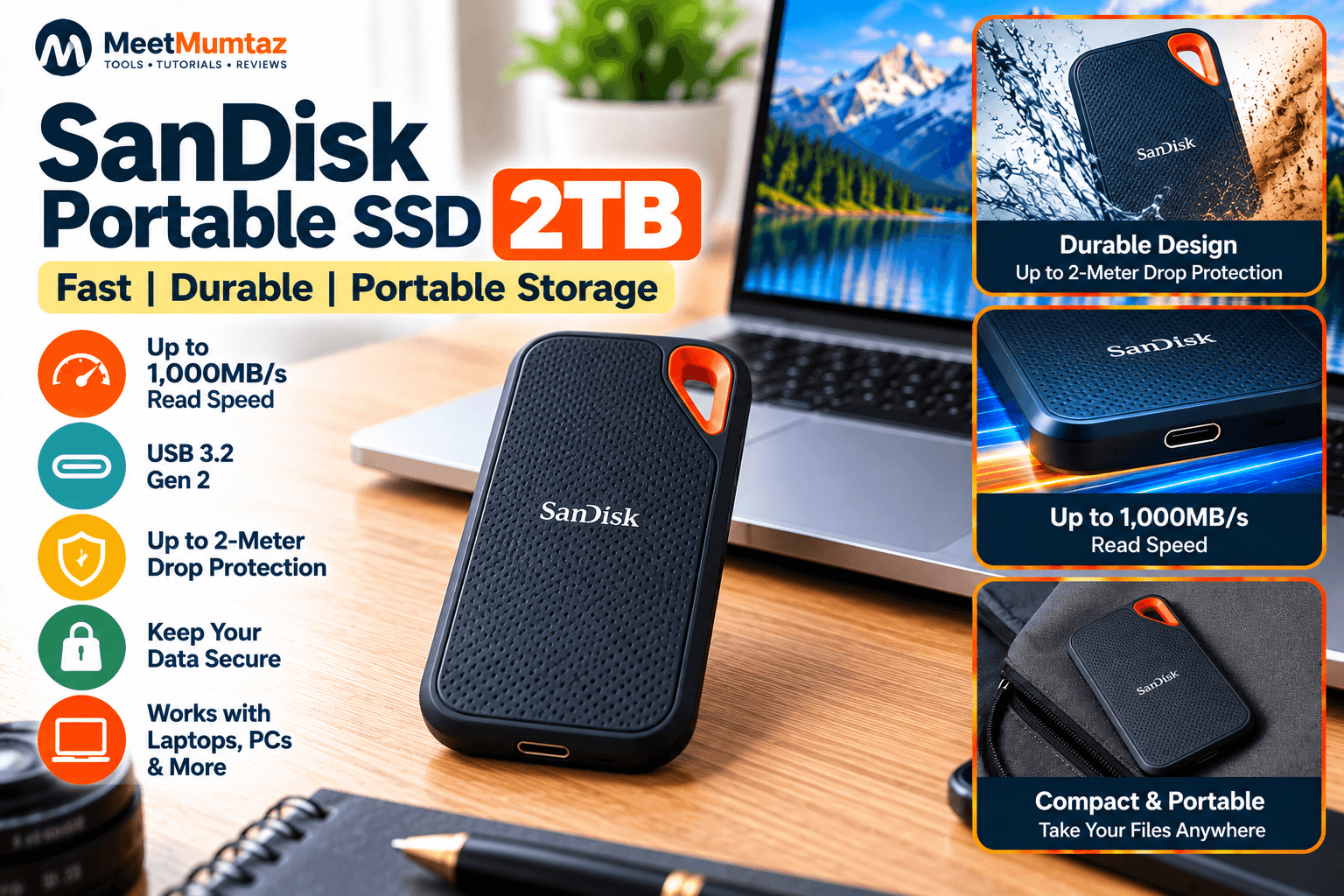
The SanDisk Portable SSD 2TB is aimed at users who value straightforward portable storage rather than chasing the highest benchmark number.
For the current V3 2TB model, SanDisk specifies up to 1,000MB/s sequential read performance, USB 3.2 Gen 2 connectivity, USB-C and a three-year limited warranty. Sandisk
SanDisk also states up to two-meter drop protection for this portable series, making portability one of its central design priorities. Sandisk
This makes it particularly relevant for students, remote workers, photographers, and laptop users who frequently carry storage between locations.
Key Features
- 2TB capacity
- Up to 1,000MB/s sequential read
- USB 3.2 Gen 2
- USB-C
- Up to two-meter stated drop protection
- Three-year limited warranty
Pros
- Compact portable format
- 2TB capacity
- Good stated read performance
- Travel-oriented durability
- Straightforward option for laptop storage
Cons
- Not as fast on paper as the 2,000MB/s-class options
- Actual performance varies with the host device and workload
Best for: everyday backups, laptop storage, students, remote workers, and travel.
Check Price on Amazon →5. SanDisk 8TB Desk Drive SSD — Best High-Capacity Alternative
The SanDisk Desk Drive is deliberately different from the other four products.
Instead of being another pocket-size 2TB external SSD, this is an 8TB desktop SSD aimed at people who need a much larger local storage or backup repository.
SanDisk specifies 8TB capacity, up to 1,000MB/s sequential read, up to 900MB/s sequential write, USB 3.2 Gen 2, and a three-year limited warranty. Unlike the portable drives above, it also uses an external power supply. Sandisk
That makes the SanDisk Desk Drive particularly relevant for large photo and video libraries, workstation backups, and users moving away from slower high-capacity desktop HDDs.
SanDisk also describes compatibility with Apple Time Machine and provides backup software support for automated backups. Sandisk
Key Features
- 8TB capacity
- Up to 1,000MB/s sequential read
- Up to 900MB/s sequential write
- USB 3.2 Gen 2
- USB-C connection
- External power supply
- Compact desktop format
- Three-year limited warranty
Pros
- Huge capacity compared with typical portable SSDs
- SSD performance
- Designed for desktop backup
- Useful for large media collections
- Mac and Windows backup applications
Cons
- Requires external power
- Not intended to replace a pocket-size portable SSD
- 8TB may be unnecessary for users who only need basic backups
Best for: large desktop backups, photographers, video libraries, and users needing significantly more than 2TB.
Check Price on Amazon →How to Choose a 2TB External SSD
Buying an SSD isn’t only about choosing the largest speed number printed on the listing. Consider how you’ll actually use the drive.
Check the Interface
A drive can only deliver its highest speeds when the computer, USB port, cable, and SSD support the necessary interface.
For example, Samsung specifies the T7 at up to 1,050MB/s read and notes that performance depends on the system environment. Samsung dk
So don’t buy a faster SSD solely for a headline speed without checking your laptop or desktop’s ports.
Decide How Much Storage You Need
For many laptop users, 2TB provides substantial room for documents, media, backups, and large project folders.
Content creators with very large video libraries may quickly outgrow that capacity.
That’s where 4TB, 5TB, and 8TB options become relevant.
Portability vs. Desktop Storage
A small portable SSD makes more sense if you regularly carry the drive with your laptop.
A drive such as the SanDisk Desk Drive is designed around stationary, high-capacity storage and requires external power. Sandisk
Before transferring or sharing large files, you can also use MeetMumtaz’s browser-based utilities from our free online tools collection.
2TB vs. 4TB External SSD
A 2TB external SSD is usually easier to justify for general portable storage because it provides substantial capacity without automatically moving into the higher price tiers associated with larger SSDs.
A 4 TB external SSD becomes more attractive for users storing large RAW photo libraries, high-resolution video, games, or multiple system backups.
Capacity alone doesn’t determine speed. A 4TB SSD isn’t automatically faster than a 2TB model. Compare the interface and actual performance specifications separately.
What About a 5 TB External SSD?
People searching for a 5 TB external SSD should pay close attention to whether the product is actually an SSD or a traditional HDD.
Five-terabyte capacities have historically been common among portable hard drives, while SSD product families frequently use capacities such as 1TB, 2TB, 4TB, and 8TB.
Don’t assume that a product is solid-state merely because it appears in an SSD-related search. Check the manufacturer’s specifications before purchasing.
External SSD vs. External Hard Drive
The main technological difference is that an SSD stores data using flash memory, whereas a traditional hard disk drive uses spinning magnetic platters and mechanical components.
SSDs can offer much faster transfers and compact designs, while HDDs can remain attractive when the primary requirement is large amounts of storage at a lower cost per terabyte.
For users who frequently move their storage between computers, an external SSD’s compact size and lack of moving disk mechanisms can be particularly useful.
If you work with websites, source files, or development projects, MeetMumtaz also offers a collection of developer tools that run directly in the browser.
Is the SanDisk Desk Drive Better Than a Portable SSD?
They’re intended for different jobs.
The SanDisk Desk Drive makes more sense when capacity and stationary backup are priorities. Its 8TB version provides far more storage than the 2TB portable models in this comparison. Sandisk
A portable SSD such as the Samsung T7 or SanDisk Portable SSD makes more sense if you need to carry the drive with a laptop.
Think of one as a workstation storage device and the other as storage designed to travel with you.
Frequently Asked Questions
Is a 2TB external SSD enough?
For many users, yes. Two terabytes provides substantial space for documents, photos, videos, backups, and project files. Video professionals and users maintaining multiple large backups may benefit from 4TB or larger capacities.
What is the best 2TB external SSD?
The right choice depends on your priorities. Samsung’s T7 combines 2TB capacity with up to 1,050MB/s read and 1,000MB/s write specifications, hardware encryption, and a compact 58g body. Samsung dk Higher-speed listings may appeal to users whose computers support the interfaces required to take advantage of them.
Is an external solid-state drive 2TB good for backups?
Yes. A 2TB SSD can work well for fast local backups, provided its capacity is sufficient for the data you need to protect. Important data shouldn’t exist on only one drive, however; maintain additional copies according to your backup needs.
Can I use an external SSD with a laptop?
Yes, provided your laptop has a compatible connection. Maximum transfer performance depends on the USB interface supported by both devices.
Is a 4TB external SSD better than 2TB?
It provides twice the nominal capacity, but that doesn’t automatically make it the better purchase. Choose based on how much storage you expect to use and compare speed, interface, portability, and cost separately.
Can I buy a 5 TB external SSD?
Products advertised around 5TB require careful checking because search results can mix HDDs and SSDs. Verify that the manufacturer’s specifications explicitly identify the device as a solid-state drive.
Is 8TB too much for an external SSD?
Not necessarily. An 8TB desktop SSD can make sense for large photo/video libraries and extensive workstation backups. For ordinary document storage, however, that capacity may be unnecessary.
Final Thoughts
A 2TB external SSD offers a useful middle ground for users who want fast storage without carrying a bulky external hard drive.
The Samsung T7 2TB combines a compact design with up to 1,050MB/s read performance and hardware encryption. The Amazon Basics and SSK listings target users interested in higher advertised transfer speeds, while the SanDisk Portable SSD 2TB focuses on straightforward portable storage.
For users whose storage needs have already moved well beyond 2TB, the 8TB SanDisk Desk Drive provides a very different desktop-oriented alternative with up to 1,000MB/s read and 900MB/s write specifications. Sandisk
Whatever drive you choose, check the current product listing, interface requirements, capacity, and compatibility before purchasing.