A good external hard drive 4TB gives you enough room for large backups, photos, videos, games, work projects, and everyday files without immediately moving to an oversized desktop storage system.
But there’s an important distinction when shopping for 4TB external storage: not every external drive uses the same technology. Traditional HDDs prioritize affordable high-capacity storage, while portable SSDs focus on faster transfers, smaller designs, and resistance to everyday movement.
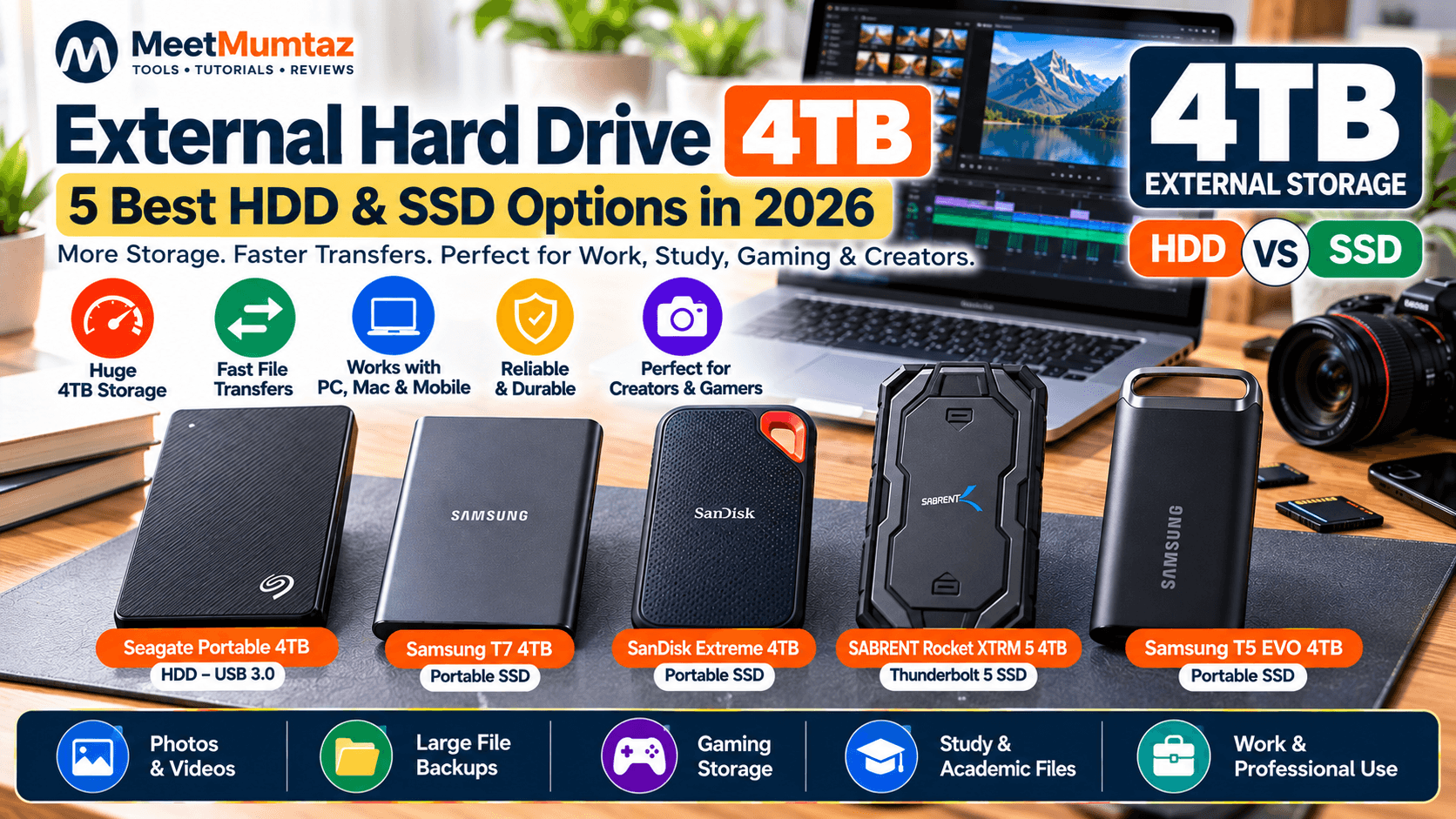
For this guide, we’ve selected five different 4TB drives—from an affordable Seagate portable HDD to high-performance SSDs from Samsung, SanDisk, and SABRENT.
Affiliate Disclosure: This article contains affiliate links. If you purchase through our links, MeetMumtaz may earn a commission at no additional cost to you.
Quick Comparison
| 4TB External Drive | Type | Best For | Standout Feature | Price |
|---|---|---|---|---|
| Seagate Portable 4TB | HDD | Affordable Storage | USB 3.0 | Check Price → |
| Samsung T7 4TB | SSD | Best Overall SSD | Up to 1,050MB/s Read | Check Price → |
| SanDisk Extreme Portable SSD 4TB | SSD | Fast Portable Storage | Up to 2,000MB/s Read | Check Price → |
| SABRENT Rocket XTRM 5 4TB | SSD | High-End Performance | Thunderbolt 5 | Check Price → |
| Samsung T5 EVO 4TB | SSD | Large Portable Storage | Up to 460MB/s | Check Price → |
1. Seagate Portable 4TB External Hard Drive — Best for Affordable Storage
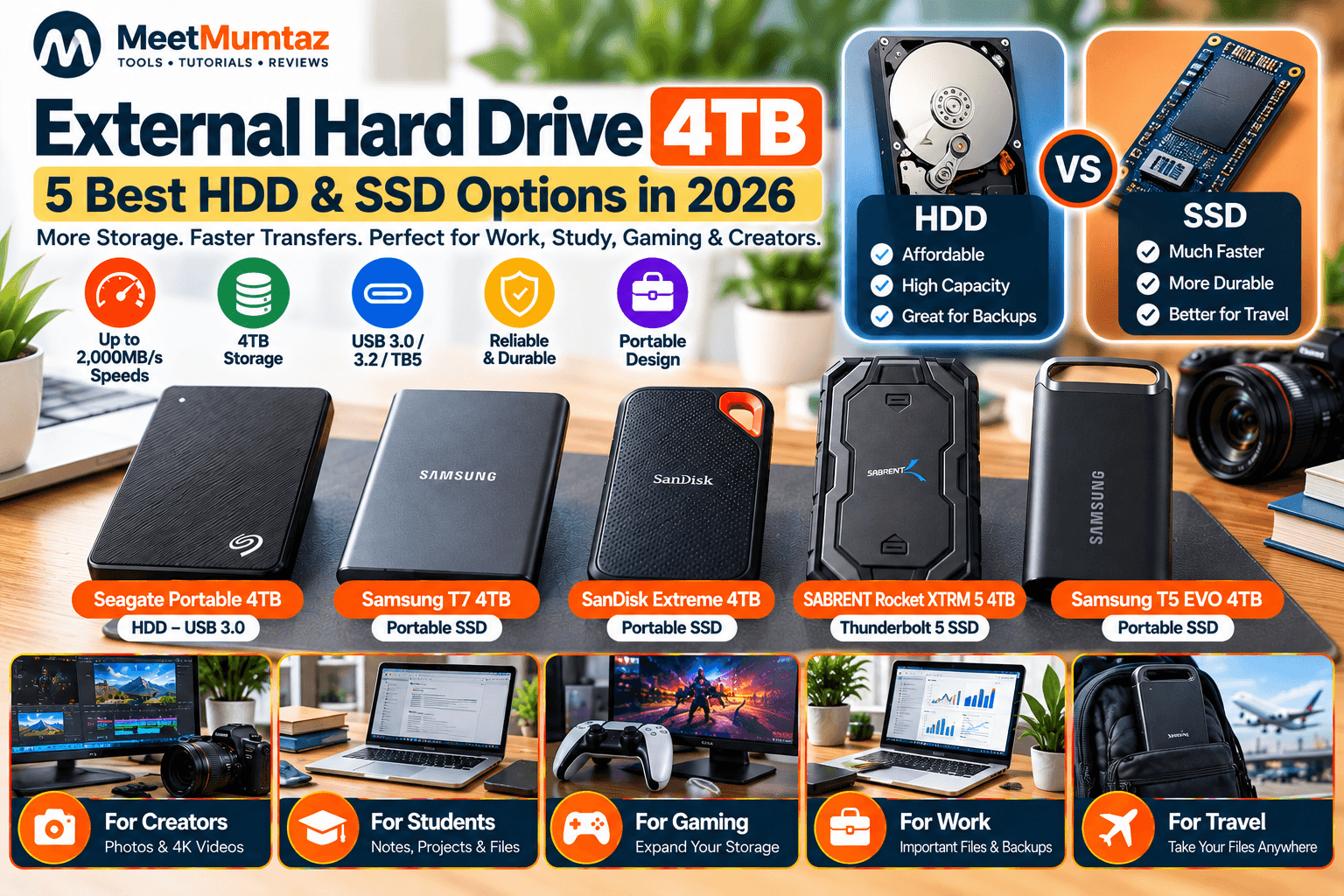
The Seagate Portable 4TB External Hard Drive is the only traditional HDD in our comparison, which gives it a different purpose from the four SSDs below.
Rather than targeting maximum transfer speeds, this drive is designed around straightforward high-capacity storage. Seagate’s portable drive platform uses USB 3.0 and supports simple plug-and-play storage for PCs, Macs, and Chromebooks. Seagate
Because it uses a mechanical hard disk rather than flash storage, it makes the most sense for users who prioritize capacity and backups over SSD-class performance.
| Category | Details |
|---|---|
| Key Features | 4TB storage capacity • Traditional HDD technology • USB 3.0 • Portable design • USB-powered operation • Suitable for backups |
| ✓ Pros | Large 4TB capacity • Straightforward backup storage • No external power adapter required • Useful for large file archives |
| ✕ Cons | Slower than portable SSDs • Uses mechanical moving parts • Bulkier than many portable SSD alternatives |
Best for: backups, media archives, documents, and users prioritizing storage capacity rather than maximum transfer speed.
Check Price on Amazon →2. Samsung T7 Portable SSD 4TB — Best Overall SSD
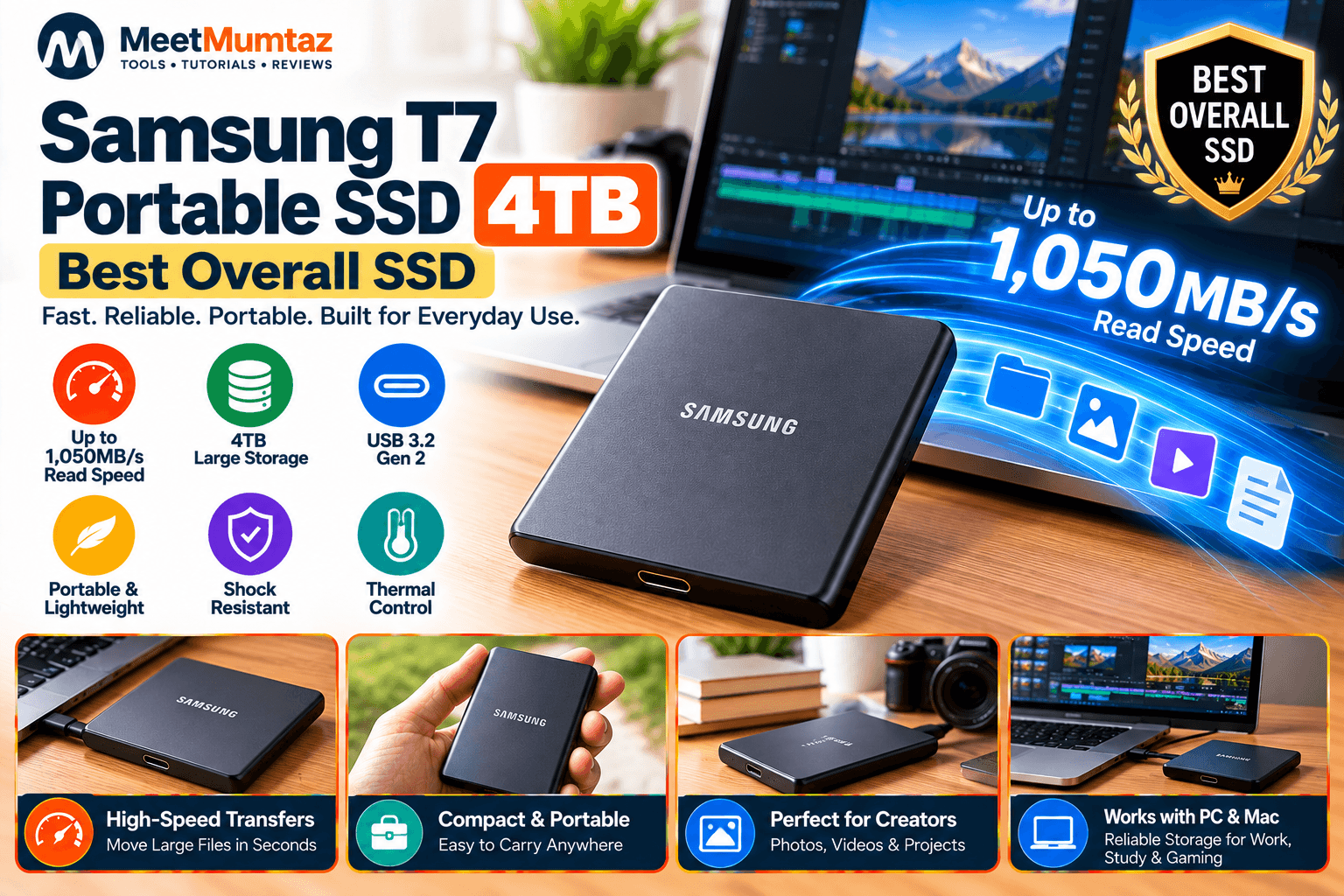
The Samsung T7 Portable SSD 4TB offers a substantial step up in performance from a traditional portable hard drive.
Samsung specifies sequential read speeds up to 1,050MB/s and write speeds up to 1,000MB/s through USB 3.2 Gen 2. Samsung also lists shock resistance and thermal control among the T7’s features. Samsung es
This combination makes the T7 particularly attractive for users who want a portable SSD 4TB for everyday professional work without moving into specialized Thunderbolt hardware.
| Category | Details |
|---|---|
| Key Features | 4TB capacity • Up to 1,050MB/s read • Up to 1,000MB/s write • USB 3.2 Gen 2 • Shock-resistant design • Thermal control |
| ✓ Pros | Fast performance • Compact and portable • Large 4TB capacity • Suitable for professional and everyday use |
| ✕ Cons | Slower on paper than newer 2,000MB/s-class SSDs • Maximum performance requires compatible USB hardware |
Best for: professionals, students, photographers, gaming storage, and general high-speed portable storage.
Check Price on Amazon →3. SanDisk Extreme Portable SSD 4TB — Best for Fast Portable Storage
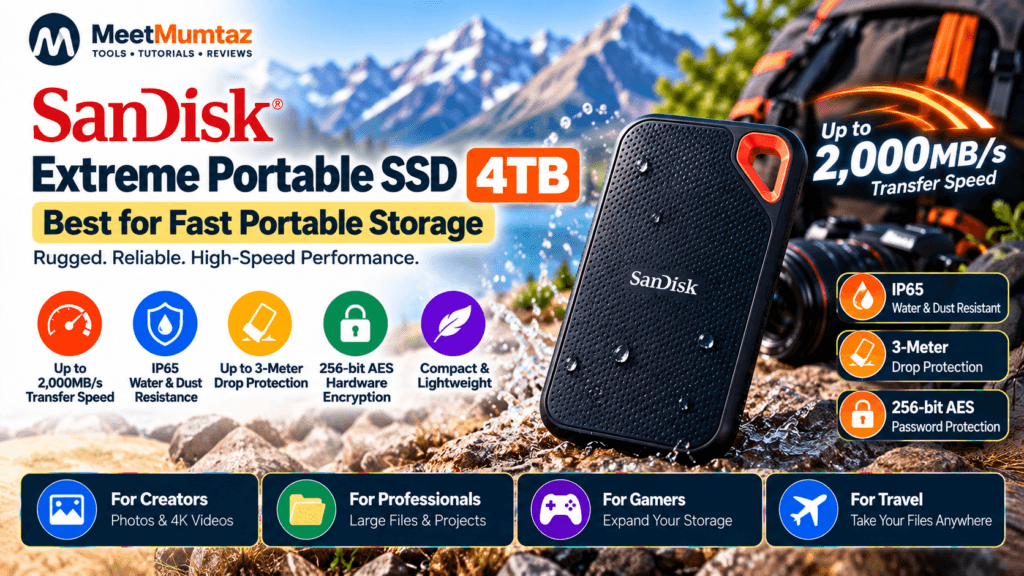
The SanDisk Extreme Portable SSD 4TB targets users who want significantly higher advertised transfer performance while keeping the drive compact.
For the current 4TB model, SanDisk specifies sequential read performance up to 2,000MB/s, USB connectivity, 256-bit AES password protection, IP65 dust/water resistance, and up to three-meter stated drop protection. Sandisk
At only about 46.9g according to SanDisk’s specifications, it’s also considerably lighter than a typical portable HDD. Sandisk
| Category | Details |
|---|---|
| Key Features | 4TB storage capacity • Up to 2,000MB/s sequential read • USB connectivity • IP65 water and dust resistance • Up to 3-meter stated drop protection • 256-bit AES password protection • Compact and lightweight design |
| ✓ Pros | High advertised read performance • Large 4TB capacity • Compact and travel-friendly • Durability-focused design • Password protection • Suitable for photographers, creators and professionals |
| ✕ Cons | Maximum performance requires compatible hardware • Higher cost than traditional HDD storage • Actual transfer speeds vary depending on the host device and workload |
Best for: photographers, creators, travel, large file transfers, and users wanting a fast 4TB SSD portable drive.
Check Price on Amazon →4. SABRENT Rocket XTRM 5 4TB — Best for High-End Performance
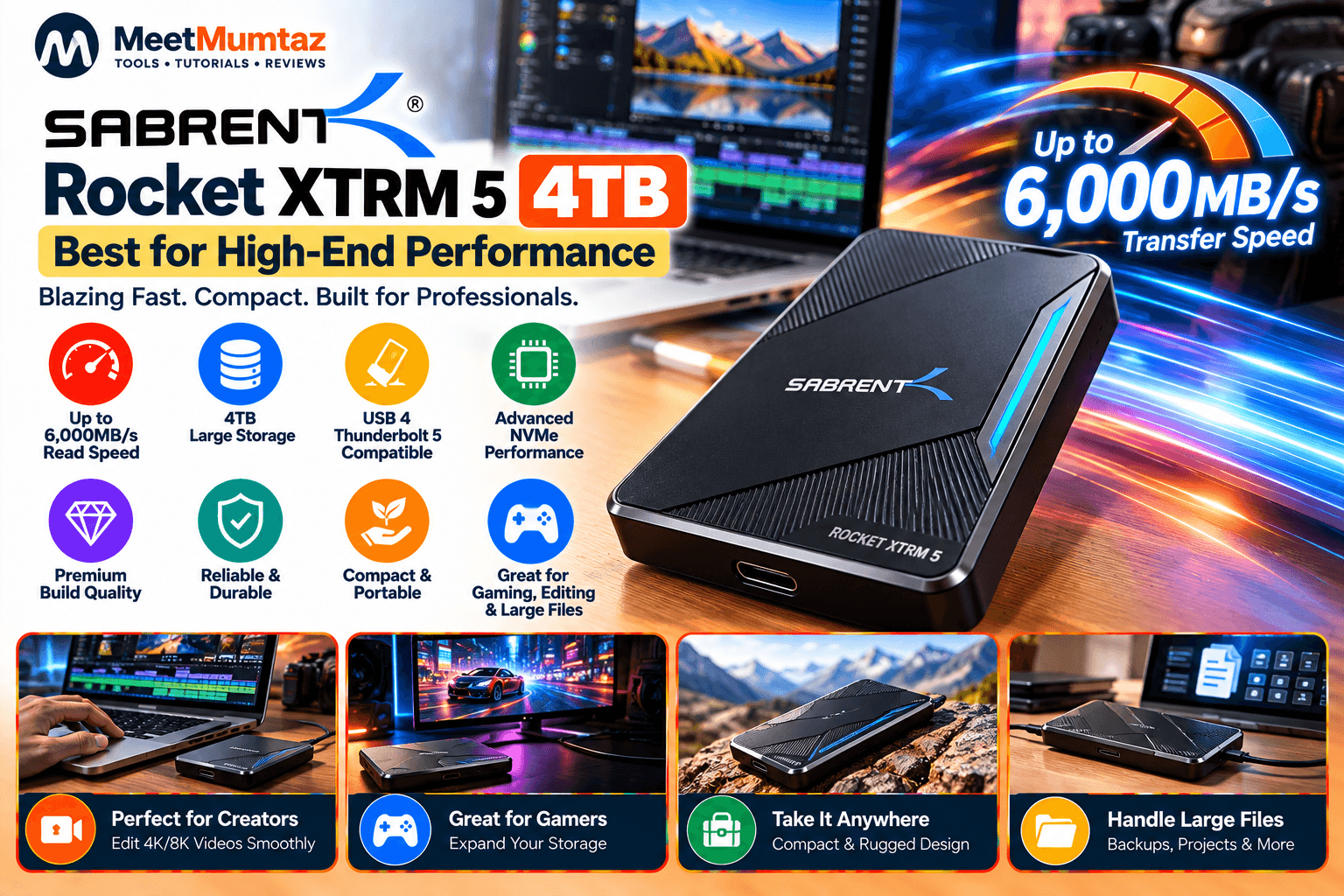
The SABRENT Rocket XTRM 5 4TB occupies an entirely different performance category from a conventional external drive.
SABRENT specifies a Thunderbolt 5 connection up to 80Gbps with transfers up to 64Gbps. It is also backward compatible with Thunderbolt 3, Thunderbolt 4 and USB4, with USB fallback modes available depending on the host connection. Sabrent
The drive uses an aluminum body for durability and heat dissipation, along with a silicone sleeve intended to add environmental and drop protection. Sabrent
This is therefore a specialized option rather than something every user needs.
| Category | Details |
|---|---|
| Key Features | 4TB storage capacity • Thunderbolt 5 connectivity • Up to 80Gbps connection bandwidth • Up to 64Gbps transfer capability • Backward compatible with Thunderbolt 4, Thunderbolt 3 and USB4 • Aluminum construction • Protective silicone sleeve • Bus-powered design |
| ✓ Pros | Extremely high interface bandwidth • Large 4TB capacity • Designed for demanding professional workflows • Broad backward compatibility • Rugged aluminum construction • Suitable for large video projects and high-speed file transfers |
| ✕ Cons | Thunderbolt 5 hardware is required to take full advantage of its capabilities • Overkill for basic backups and everyday file storage • Actual transfer performance depends on the host system and workload |
Best for: professional video workflows, very large datasets, high-end workstations and users with Thunderbolt 5 hardware.
Check Price on Amazon →5. Samsung T5 EVO Portable SSD 4TB — Best for Large Everyday Portable Storage
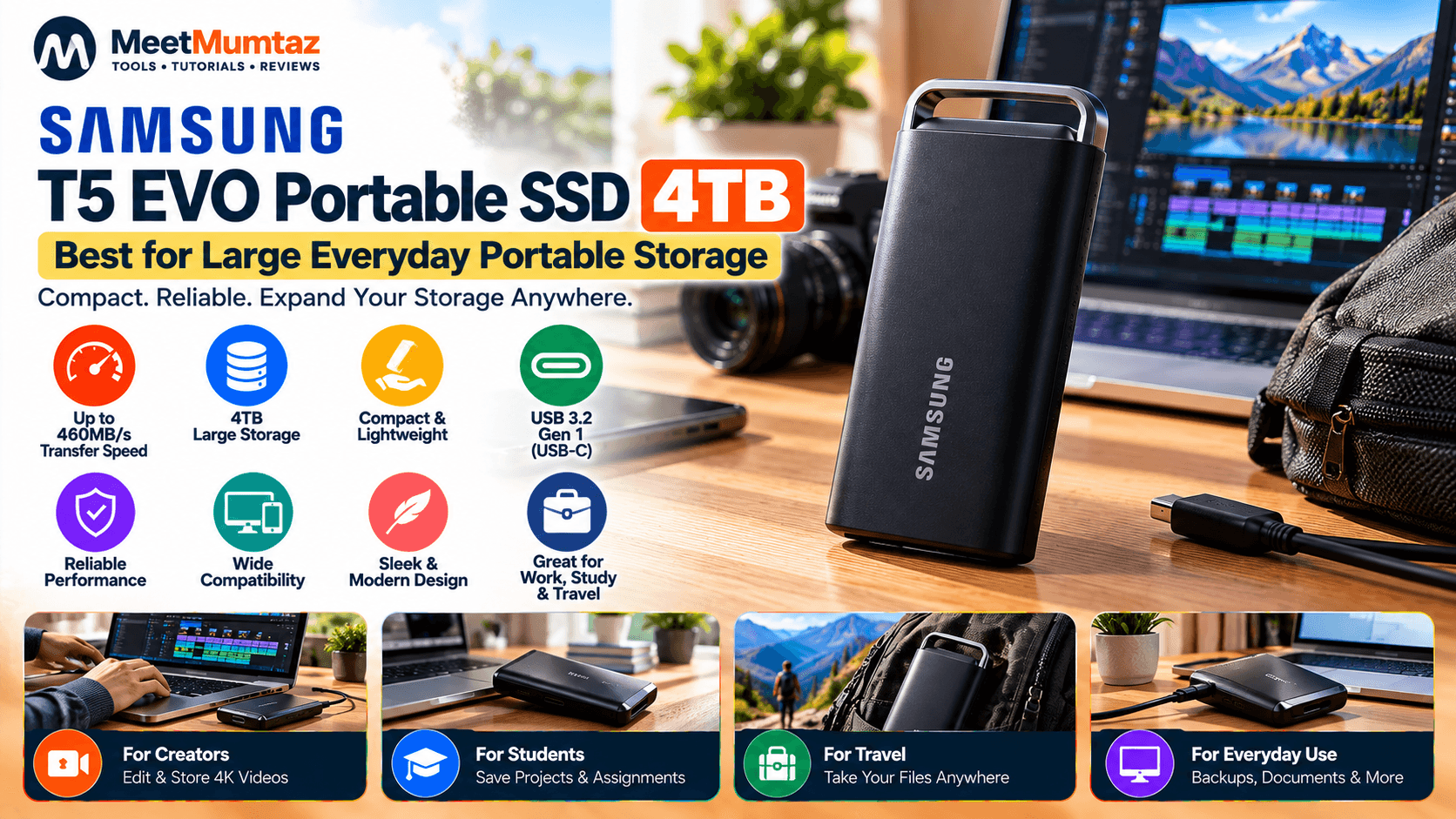
The Samsung T5 EVO 4TB takes a different approach from high-performance SSDs such as the Rocket XTRM 5.
Samsung specifies sequential read and write speeds up to 460MB/s through USB 3.2 Gen 1. It also features AES 256-bit hardware encryption and stated drop resistance up to 6.5 feet. Samsung es
The T5 EVO therefore fits users who want solid-state portability and substantial capacity but don’t necessarily need 1,000–2,000MB/s transfer specifications.
| Category | Details |
|---|---|
| Key Features | 4TB storage capacity • Up to 460MB/s sequential read • Up to 460MB/s sequential write • USB 3.2 Gen 1 • AES 256-bit hardware encryption • Up to 6.5-foot stated drop resistance • Windows, macOS and Android compatibility |
| ✓ Pros | Large 4TB capacity • Compact portable design • Hardware encryption • Broad device compatibility • Durability-focused construction • Suitable for everyday backups and large file libraries |
| ✕ Cons | Slower than higher-performance portable SSDs such as the Samsung T7 • USB 3.2 Gen 1 limits maximum transfer performance • Not ideal for users who need 1,000MB/s or faster transfers |
Best for: everyday backups, large portable libraries, and users who prioritize SSD portability over maximum speed.
Check Price on Amazon →External HDD vs. External SSD: What’s the Difference?
This is especially important for the keyword external hard drive 4TB, because shoppers can encounter both technologies in the same search results.
A traditional HDD uses spinning magnetic platters and mechanical components. An SSD stores data in flash memory.
The Seagate model in this guide is an HDD. The Samsung, SanDisk, and SABRENT models are SSDs.
For large archives and routine backups, an HDD can still be useful. For frequent file transfers, portability, and performance-sensitive workloads, an SSD generally offers major advantages.
For other browser-based utilities, you can also explore the MeetMumtaz Free Online Tools.
Is an External SSD Drive 4TB Worth It?
An external SSD drive 4TB becomes particularly useful when you combine high storage requirements with frequent transfers.
Four terabytes provides substantial capacity for video footage, RAW photos, games, backups, and professional projects.
However, there’s little reason to pay for premium SSD performance if your drive will simply remain connected for occasional archival backups. In that scenario, a traditional 4TB HDD may still meet your requirements.
Portable SSD 4TB vs. 4TB External Hard Drive
A portable SSD 4TB is typically the better fit when portability and transfer performance matter.
A traditional 4TB external hard drive makes more sense when your main objective is simply storing large amounts of data.
The difference becomes obvious in this comparison: Samsung specifies the T7 at up to 1,050MB/s sequential read, while SanDisk’s current Extreme 4TB reaches a stated 2,000MB/s read. Samsung es
That doesn’t mean every user needs those speeds. Choose based on workload rather than benchmark numbers alone.
How Fast Does Your 4TB External Drive Need to Be?
For documents, photos, and routine backups, maximum speed may not be critical.
For large video projects and frequent multi-gigabyte transfers, SSD performance becomes much more valuable.
Professional users with Thunderbolt 5 hardware can go substantially further. SABRENT’s Rocket XTRM 5 supports an 80Gbps Thunderbolt 5 connection, although actual storage transfer performance is subject to system, workload, thermal, and other limitations. Sabrent
If you regularly work with website files or code alongside external storage, the MeetMumtaz Developer Tools provide additional browser-based utilities.
What Is a 4 Terabyte External SSD Good For?
A 4 terabyte external SSD can be particularly useful for:
- Large photo and video libraries
- Professional project files
- Game libraries
- Laptop storage expansion
- Local backups
- Moving large files between computers
- Creative workloads while traveling
Remember that formatted usable capacity will be lower than the nominal 4TB advertised capacity.
Frequently Asked Questions
Is 4TB enough for an external hard drive?
For many users, 4TB provides substantial storage for backups, documents, photos, videos and games. Professional video creators and users maintaining multiple complete system backups may eventually require more.
Is a 4TB SSD better than a 4TB HDD?
They provide similar nominal capacity but have different strengths. SSDs emphasize transfer performance, portability, and lack of moving mechanical parts. HDDs can remain attractive for cost-conscious high-capacity storage.
Is the Samsung T7 4TB fast?
Samsung specifies up to 1,050MB/s sequential read and 1,000MB/s sequential write for the 4TB T7. Actual performance depends on the host system and workload. Samsung es
How fast is the SanDisk Extreme Portable SSD 4TB?
SanDisk specifies up to 2,000MB/s sequential read for its current 4TB Extreme Portable SSD, with actual performance potentially lower depending on the host, interface, and usage conditions. Sandisk
Is the Samsung T5 EVO 4TB an SSD?
Yes. Samsung identifies the T5 EVO as a portable SSD. The 4TB version is specified at up to 460MB/s sequential read and write. Samsung es
Do I need Thunderbolt 5 for a portable SSD?
No. Most portable SSD users don’t require Thunderbolt 5. It’s primarily relevant when very high bandwidth and demanding professional workflows justify it. Many SSDs operate through USB 3.2 instead.
Final Thoughts
Choosing an external hard drive 4TB starts with deciding whether you actually need an HDD or an SSD.
The Seagate Portable 4TB represents the traditional HDD approach: straightforward high-capacity storage through USB 3.0. Seagate The Samsung T7 provides a more performance-focused portable SSD experience with up to 1,050MB/s read speeds, while the SanDisk Extreme increases the advertised read ceiling to 2,000MB/s. Samsung es
At the high end, the SABRENT Rocket XTRM 5 brings Thunderbolt 5 connectivity for demanding professional workflows, while Samsung’s T5 EVO offers a slower but portable 4TB SSD alternative. Sabrent
Match the technology and interface to what you’ll actually do with the drive rather than choosing solely by capacity or advertised maximum speed.