Affiliate disclosure: This article may contain affiliate links. MeetMumtaz may earn a commission from qualifying purchases at no additional cost to you.
A crowded desk can make even a powerful laptop feel inconvenient. When you add an external monitor, keyboard, mouse, notebook, and charging accessories, available workspace disappears quickly.
A vertical laptop stand helps solve this problem by holding your closed laptop upright instead of leaving it flat on the desk. It’s a practical, space-saving accessory for remote workers, office professionals, students, and anyone using an external-monitor setup.
However, choosing the right stand requires more than finding an attractive design. You need to consider laptop thickness, adjustable slot width, stability, protective padding, and ventilation.
In this guide, we’ll compare five laptop vertical stands, including adjustable aluminum holders, multi-device organizers, and premium desktop designs.
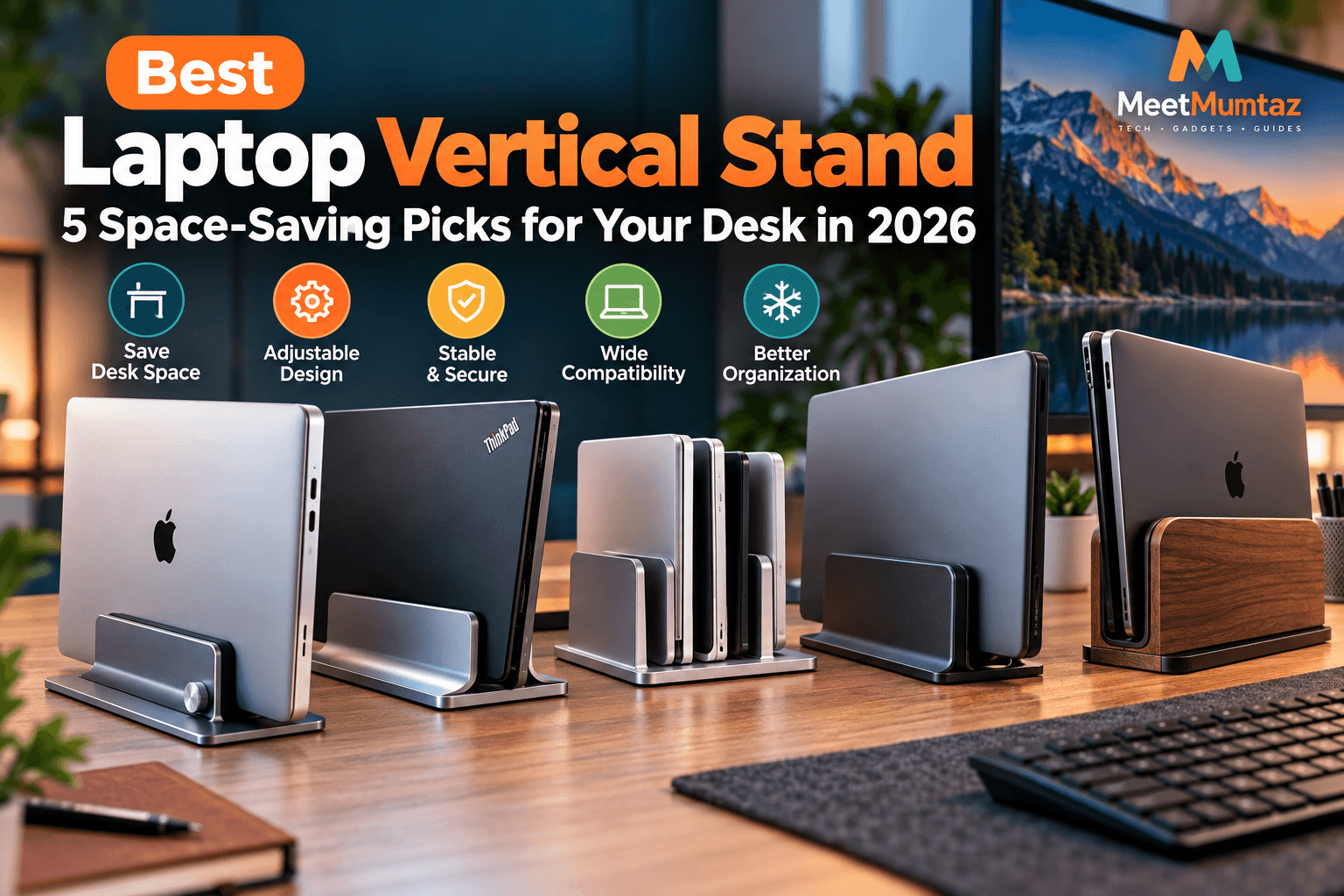
Quick Comparison: 5 Best Vertical Laptop Stands for 2026
The table below compares five options based on their intended use and published product features.
| Product | Best For | Design | Price | Check Price |
|---|---|---|---|---|
| OMOTON LD01 | Overall flexibility | Adjustable aluminum | See Amazon | Check Price ↗ |
| UGREEN 20471 | Compact desks | 12–26 mm adjustable slot | See Amazon | Check Price ↗ |
| OMOTON 3-Slot Stand | Multiple devices | Three vertical slots | See Amazon | Check Price ↗ |
| HumanCentric Vertical Stand | Easy daily docking | Automatic grip | See Amazon | Check Price ↗ |
| HumanCentric Wood Stand | Premium desk setups | Wood finish, felt lining | See Amazon | Check Price ↗ |
1. OMOTON LD01 Vertical Laptop Stand — Best Overall
The OMOTON LD01 is a strong option for users who want an adjustable aluminum holder for everyday desk organization.
Its design combines a sturdy metal body, a wide base, and silicone protection where the stand contacts the laptop. The adjustable slot is particularly useful for users who switch between devices of different thicknesses.
OMOTON lists a broad adjustment range of approximately 14–69 mm for the LD01 model. Buyers should still check that their laptop rests securely in the holder.
This model is especially suitable for home offices where a laptop is connected to an external monitor, keyboard, and mouse.
OMOTON LD01 — Key Features, Pros and Cons
| Category | Details |
|---|---|
| Key Features | Adjustable slot, anodized aluminum body, silicone protection, wide base. |
| Pros | Flexible fit, durable construction, compact desk organization, protective contact pads. |
| Cons | Single-device holder; fit needs adjustment when changing laptops. |
| Price | Check current Amazon listing. |
| Buy Now | Check Price on Amazon ↗ |
Best for: A single-laptop workstation where adjustment and durability are priorities.
2. UGREEN 20471 Adjustable Vertical Laptop Stand — Best for Compact Desks
The UGREEN 20471 is designed for people who want a compact, minimalist laptop holder without complicated setup.
It features an adjustable slot, aluminum construction, and protective silicone contact surfaces.
According to UGREEN’s published specifications, the adjustment range is approximately 12–26 mm, making laptop thickness an important compatibility factor.
Its compact design makes it appealing for smaller desks, study tables, and office workstations.
UGREEN 20471 — Key Features, Pros and Cons
| Category | Details |
|---|---|
| Key Features | 12–26 mm adjustable slot, aluminum alloy construction, silicone lining, underside adjustment knob. |
| Pros | Compact footprint, adjustable fit, protective padding, simple design. |
| Cons | Limited thickness range; holds only one device; no electronic docking functions. |
| Price | Check current Amazon listing. |
| Buy Now | Check Price on Amazon ↗ |
Best for: Laptop owners who want a space-saving holder for a compact workstation.
3. OMOTON 3-Slot Vertical Laptop Stand — Best for Multiple Devices
If you use more than one laptop, a multi-slot vertical holder can simplify desk organization.
The OMOTON three-slot vertical stand provides dedicated spaces for multiple devices. This can be useful for professionals managing work and personal laptops or combining laptops with tablets.
OMOTON describes the model as an adjustable aluminum organizer with silicone protection. Its published listing identifies a three-slot design and a maximum adjustable slot width of approximately 1.37 inches.
OMOTON 3-Slot — Key Features, Pros and Cons
| Category | Details |
|---|---|
| Key Features | Three device slots, adjustable-width design, aluminum body, protective silicone surfaces. |
| Pros | Organizes multiple devices, reduces separate holders, durable construction. |
| Cons | Larger footprint than a single stand; verify each device’s fit and balance. |
| Price | Check current Amazon listing. |
| Buy Now | Check Price on Amazon ↗ |
Best for: Remote workers and professionals who organize multiple laptops or tablets.
4. HumanCentric Vertical Laptop Stand — Best for Easy Daily Docking
The HumanCentric Vertical Laptop Stand is designed for convenience.
Unlike manually adjusted holders, it uses an automatic gripping mechanism that adjusts when a compatible laptop is inserted.
This can be useful if you frequently move your laptop between meetings and your main workstation.
HumanCentric lists compatibility with laptops up to one inch thick, along with silicone padding and machined aluminum construction.
HumanCentric Vertical Stand — Key Features, Pros and Cons
| Category | Details |
|---|---|
| Key Features | Automatic grip mechanism, aluminum construction, silicone pads, support for laptops up to 1 inch thick. |
| Pros | Convenient insertion, no routine manual slot adjustment, minimalist appearance. |
| Cons | Single-device capacity; unsuitable for laptops exceeding the supported thickness. |
| Price | Check current Amazon listing. |
| Buy Now | Check Price on Amazon ↗ |
Best for: Professionals who frequently remove and replace their laptops throughout the day.
5. HumanCentric Wood Vertical Laptop Stand — Best Premium Design
The HumanCentric Wood Vertical Laptop Stand offers a different appearance from traditional aluminum holders.
Its wood-veneer exterior, weighted steel base, and felt-lined interior combine desk organization with a more decorative finish.
HumanCentric specifies an adjustable width suitable for laptops approximately 0.5–1.5 inches thick.
The wood finish may appeal to professionals who prefer a coordinated home-office setup with natural materials.
HumanCentric Wood Stand — Key Features, Pros and Cons
| Category | Details |
|---|---|
| Key Features | Wood-veneer exterior, weighted steel base, felt lining, adjustable width from approximately 0.5–1.5 inches. |
| Pros | Premium appearance, protective interior, broad adjustment range, stable weighted base. |
| Cons | Adjustment requires a hex key; single-device capacity; wood finish may not match every desk. |
| Price | Check current Amazon listing. |
| Buy Now | Check Price on Amazon ↗ |
Best for: Premium home offices where appearance and device protection matter.
Why Choose a Laptop Vertical Stand for Your Desk?
A laptop vertical stand can make a noticeable difference in how your workspace is organized.
The biggest advantage is space efficiency. When a laptop is positioned vertically, the desk area previously occupied by its horizontal footprint becomes available for other accessories.
This is particularly useful when working with external monitors, keyboards, mice, and docking stations.
A vertical holder can also create a cleaner appearance by keeping the laptop in a dedicated position rather than leaving it among other accessories.
For users building a multi-screen workstation, our dual monitor stand buying guide explains how adjustable monitor mounts can further improve desk organization.
Laptop Adjustable Stand Vertical: Features to Consider
When choosing an adjustable vertical laptop stand, focus on compatibility and stability rather than appearance alone.
Adjustable Slot Width
Different laptops have different thicknesses, even when their screen sizes are identical.
A stand with an adjustable slot provides greater flexibility, especially if you plan to change laptops in the future.
Measure your laptop’s closed thickness, including any protective case, before selecting a model.
Protective Padding
Silicone, rubber, and felt padding help prevent direct contact between the laptop and the stand’s harder materials.
These protective surfaces are especially useful when storing laptops with aluminum or painted finishes.
Stable Construction
A stable base is essential when holding a laptop upright.
Look for a suitable base footprint, durable construction, and secure contact points.
Port Accessibility
Some laptops have charging, USB-C, and HDMI ports near their sides or rear edges.
Make sure the stand does not obstruct important connections or place unnecessary strain on cables.
Vertical Laptop Stand ThinkPad Compatibility Guide
Lenovo ThinkPad laptops are commonly used in offices, business environments, and professional workstations.
A vertical stand can be a practical addition to a ThinkPad desk setup, particularly when using an external monitor and separate keyboard.
However, compatibility depends on the specific ThinkPad model.
Before purchasing, check your laptop’s thickness, ventilation openings, port locations, and supported operating positions.
An adjustable stand such as the OMOTON LD01 or UGREEN 20471 may accommodate certain ThinkPad models, but buyers should compare the manufacturer’s specifications with their exact device.
Avoid assuming that every ThinkPad supports closed-lid operation under all conditions. Follow the laptop manufacturer’s instructions for ventilation and external displays.
Can You Use a Laptop Vertical Stand in Bed?
Some shoppers searching for a laptop stand bed vertical solution may actually need a different type of accessory.
A conventional vertical laptop holder is designed to store a closed laptop upright. It is not intended to support an open laptop while you type or view its screen in bed.
For this purpose, an adjustable laptop tray or elevated laptop stand is generally more appropriate.
Look for a stable platform, adjustable height, comfortable viewing angle, and a design that keeps the laptop’s ventilation openings clear.
Avoid placing an operating laptop directly on blankets or pillows that could obstruct airflow.
Single-Slot vs. Multi-Slot Vertical Laptop Stands
| Feature | Single-Slot Stand | Multi-Slot Stand |
|---|---|---|
| Device capacity | One | Two or more, depending on model |
| Desk footprint | Usually smaller | Usually larger |
| Ideal setup | Single laptop | Multiple laptops or tablets |
| Adjustment | Fixed or adjustable | Depends on individual slots |
| Best for | Compact workstations | Multi-device organization |
If you own only one laptop, a single-slot holder is usually sufficient.
If you regularly switch between work and personal devices, a multi-slot stand can help keep both organized.
How to Build a Productive Workspace With a Vertical Laptop Stand
Start with a stable desk and an external monitor positioned at a comfortable viewing height.
Next, place your keyboard and mouse where you can work without unnecessary reaching.
Position the vertical laptop stand to one side of the monitor, ensuring the laptop remains stable and its ventilation openings are unobstructed.
If you frequently work away from your main desk, our USB-C portable display comparison explores portable monitor options for flexible laptop setups.
Finally, organize your charging and display cables so they do not pull against the laptop while it is stored vertically.
Common Mistakes to Avoid
Buying based only on screen size: A 14-inch laptop may be thicker than a 16-inch model. Always check physical dimensions.
Ignoring ventilation: Some laptops have cooling openings that may be obstructed in certain positions.
Choosing an unstable stand: A narrow or lightweight holder may not adequately support a larger device.
Confusing a vertical holder with a docking station: A passive vertical stand does not provide USB connections, charging electronics, or video outputs.
Overlooking protective padding: Direct contact with hard materials can increase the risk of surface scratches.
Frequently Asked Questions
What is the best laptop vertical stand in 2026?
The best option depends on your laptop’s dimensions and your workspace. The OMOTON LD01 is worth considering for adjustable single-device storage, while the OMOTON three-slot model suits multiple-device organization.
Can a laptop vertical stand hold a Lenovo ThinkPad?
Yes, provided the stand supports the specific ThinkPad model’s thickness, weight, and required operating position.
Does a vertical laptop stand improve cooling?
Not necessarily. Vertical positioning does not guarantee better cooling. Always follow the laptop manufacturer’s ventilation recommendations.
Is an adjustable vertical laptop stand better?
An adjustable stand offers more flexibility when changing devices. A fixed stand may also work well when it fits the laptop securely.
Can I use a laptop vertical stand with two laptops?
Yes, if you choose a model specifically designed for multiple devices and confirm that each laptop fits securely.
Can I charge my laptop while it is in a vertical stand?
Charging may be possible when the required ports remain accessible and the manufacturer’s operating guidance permits the setup. A passive vertical holder does not charge the laptop itself.
Final Verdict: Which Laptop Vertical Stand Should You Buy?
A laptop vertical stand is a useful accessory for anyone looking to organize a compact desk or create a cleaner external-monitor workstation.
The OMOTON LD01 offers adjustable single-device storage, while the UGREEN 20471 is a compact option for compatible laptops.
For users managing several devices, the OMOTON three-slot stand provides additional organization.
The HumanCentric automatic-grip stand is worth considering for frequent docking, while its wood-finish alternative offers a more decorative design.
Whichever option you choose, prioritize compatibility, stability, protective padding, and ventilation.
A well-chosen vertical laptop stand can help create a cleaner, more organized workspace without requiring a complete desk upgrade.